
Processing Indicators for App Buttons
Buttons are small, but they carry a lot of responsibility.
A user clicks a button and expects something to happen: submit a form, save data, send a request, generate a document, upload a file, trigger an approval, or start a process behind the scenes.
But not every action happens instantly.
Some actions need a few seconds to complete. And when the app does not clearly show that something is happening, users do what users do best: they click again.
And again.
Because apparently the universal solution to uncertainty is attacking the button.
Why Button Feedback Matters
When a button triggers an action that takes time, the user needs immediate feedback.
Without feedback, the experience feels unclear. The user may wonder:
- Did the click work?
- Is the app stuck?
- Should I click again?
- Did anything happen at all?
A processing indicator answers that question immediately.
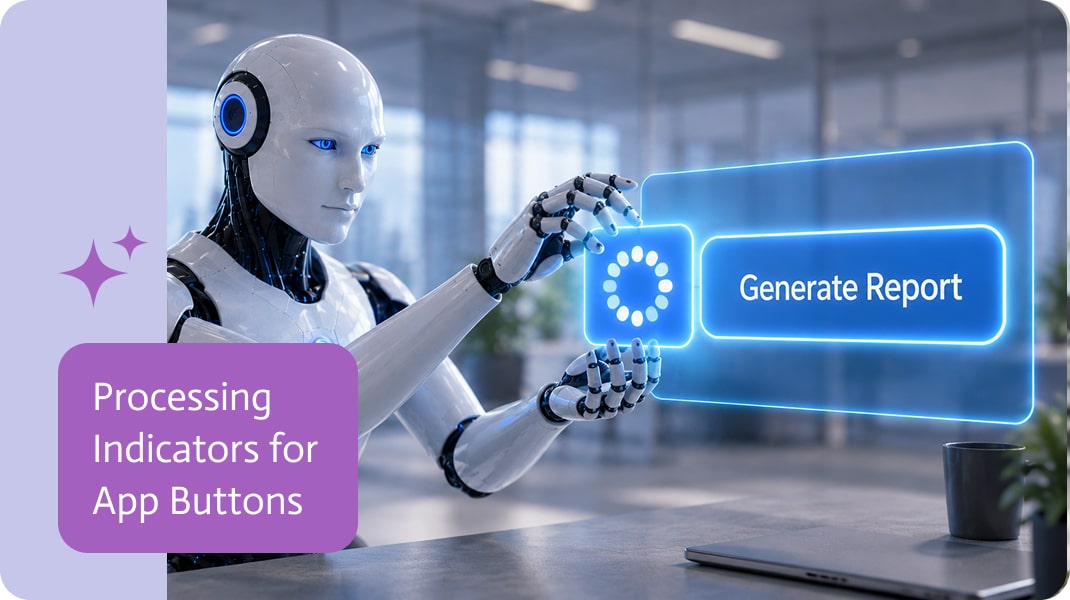
A loading spinner, progress state, or disabled button tells the user that the action has started and the app is working on it.
That small visual response can make the whole experience feel more reliable.
Preventing Duplicate Clicks
One of the biggest problems with long-running button actions is duplicate clicking.
If a user clicks a submit button twice, the app might create duplicate records, send multiple requests, generate repeated documents, or trigger the same process more than once.
That can create messy data and unnecessary follow-up work.
Temporarily disabling the button while the action is running helps prevent that.
The user still gets feedback, but cannot accidentally trigger the same action again while the first request is still being processed.
Making Apps Feel More Reliable
A button that shows a loading state gives users confidence.
It tells them:
- Your action was received.
- The process is running.
- Please wait until it finishes.
This is especially important in business apps, where button actions often connect to other systems or start workflows in the background.
The app may be saving data, updating records, sending files, creating tasks, calling an integration, or generating output. Even if the action only takes a few seconds, those seconds need to feel controlled.
Better Experience for End-Users
Processing indicators are not just a technical improvement. They are a user experience improvement.
They reduce confusion, prevent unnecessary clicks, and make the app feel more responsive even when the action itself takes time.
A user should never need to guess whether a button worked.
The interface should show them.
Useful for Real Business Actions
Processing states are especially useful for buttons that perform meaningful actions, such as:
- Submitting forms
- Saving records
- Uploading files
- Sending approvals
- Generating documents
- Triggering workflows
- Calling external systems
- Creating or updating business records
These are actions where duplicate clicks can create real issues.
A clear loading state and temporary button disablement help keep the experience cleaner and safer.
Small Detail, Big Difference
A loading spinner on a button may seem like a small thing.
But in real apps, small interaction details often make the difference between a smooth experience and a confusing one.
When users click a button, they should know that the app heard them.
Show the spinner. Disable the button. Let the process finish.
Tiny UX improvement. Surprisingly large reduction in chaos.
The NetSuite Paycom Integration is an essential solution for businesses looking to streamline HR and payroll processes by connecting NetSuite’s ERP capabilities with Paycom’s payroll…

A monday CRM overview looks clean until you ask the annoying question: where does the lead actually live. Many teams capture inbound requests, partner referrals,…

It feels like new AI chatbots are popping up all the time, saying they can write books, do taxes, or just talk. There are so…