

Making Word Tables in Documents Smarter with Conditional Logic
Tables are one of the most common ways to present structured information in documents—whether it’s lists, summaries, reports, or structured data. But until now, table content has usually been static: once generated, every cell shows the same type of information regardless of context.
That changes with a new capability that brings much more intelligence into how documents are created.
From Static Tables to Dynamic Content
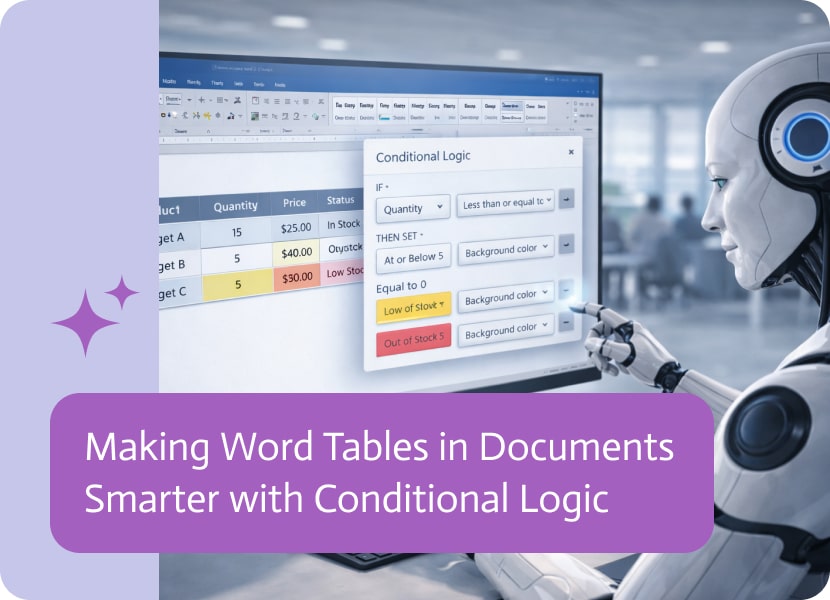
With this update, conditional logic can now be applied directly inside tables when generating documents using the Word add-in.
This means each field inside a table is no longer just a fixed value. Instead, it can adapt based on the data behind it. Content can now appear, change, or be omitted depending on specific conditions defined in advance.
In practice, this transforms tables from simple containers of information into dynamic structures that respond to context.
Why This Matters
Documents are rarely one-size-fits-all. The same template might be used across different customers, cases, or scenarios—each requiring slightly different information.
Previously, handling these variations often meant creating multiple templates or manually adjusting output after generation.
Now, conditional logic inside table fields allows a single template to adapt automatically.
This leads to:
- More accurate documents tailored to real data
- Less duplication of templates
- Fewer manual adjustments after generation
- A smoother and more scalable document creation process
More Context-Aware Documents
The real power of this update is not just flexibility—it’s awareness.
Instead of treating every document the same way, generated content can now reflect meaningful differences in data. A field can show additional details when needed, simplify when information is missing, or adjust its output based on defined rules.
This makes the final document feel more intentional and aligned with the real-world situation it represents.
A Small Change with a Big Impact
While this update focuses on tables, the impact is broader: it moves document generation closer to being truly dynamic.
Rather than thinking in terms of fixed layouts, users can now think in terms of logic-driven content that adapts as data changes.
It’s a subtle shift—but one that significantly improves how documents are created, maintained, and scaled over time.

If you’ve ever tried designing an application, you’ve obviously aware of how it can feel like putting together ready-to-assemble furniture without instructions, but the screws…

Artificial Intelligence (AI) is no longer confined to futuristic concepts; it’s transforming industries today, driving efficiency, innovation, and scale across all fields. At the heart…

Salesforce account plans are supposed to create clarity, but updates to an account plan can be invisible to the people who need to react. An…