
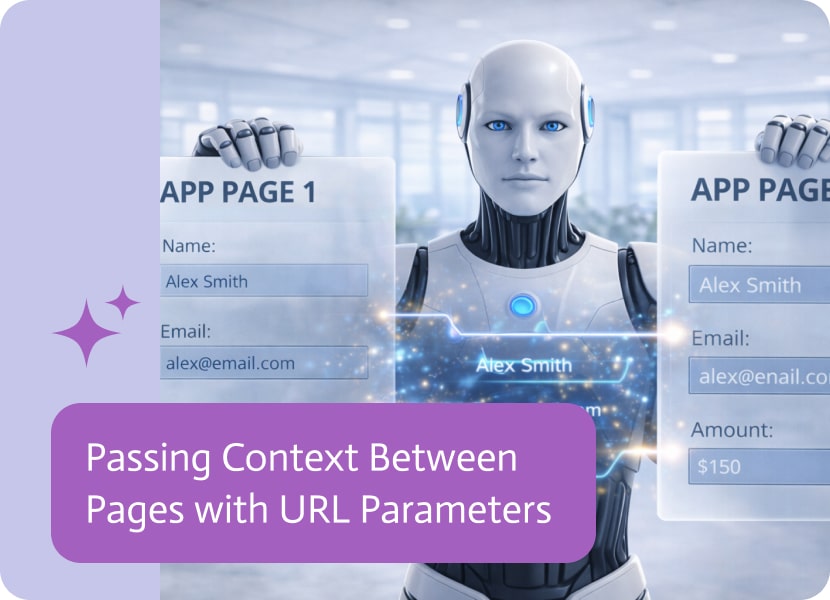

Passing Context Between Pages with URL Parameters
In multi-page applications, moving from one page to another is only part of the experience. Just as important is the ability to carry context along the way—so each page understands what came before and can respond accordingly.
Navigation That Carries Meaning
Basic navigation often treats each page as a separate step, without preserving the context of the user’s journey. This can lead to disconnected experiences, where pages don’t reflect prior actions or selections.
A more flexible approach allows information to travel along with navigation, keeping the experience connected from one page to the next.
Using URL Parameters to Share Context
One simple and effective way to pass information between pages is through URL parameters.
When a user is redirected within an application, key pieces of data—such as selections, identifiers, or state—can be included in the URL. The destination page can then read these parameters and adjust its content or behavior accordingly.
This allows each page to respond dynamically, based on the context it receives.
Why This Matters
Passing context between pages helps create more seamless and responsive experiences:
- Pages can adapt based on user actions or previous steps
- Less need to reload or re-enter information
- More continuity across multi-step flows
- Clearer, more personalized user journeys
A More Connected Navigation Experience
When navigation is driven by logic rather than fixed links, moving between pages feels more natural. Each step leads smoothly to the next, helping users stay focused and oriented within the application.
By keeping redirects internal and context-aware, multi-page apps can offer experiences that feel more cohesive, responsive, and easy to follow.

In terms of how we produce dynamic documents, we have undoubtedly advanced significantly. Not only does the top document generation software of 2026 fill in…
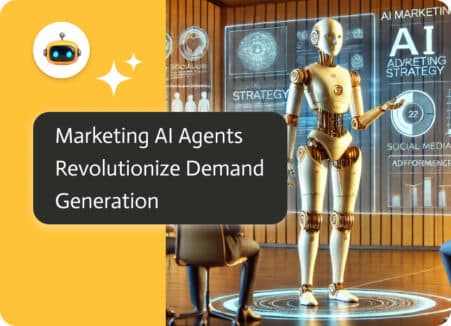
Marketing teams face increasing pressure to manage massive amounts of data, customer interactions, and content distribution while maximizing ROI. Noca AI’s marketing AI agent worker…
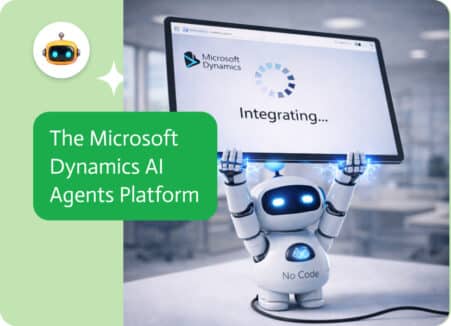
If there were rules about how software should look, Microsoft Dynamics would wear a three-piece suit, a tie, and maybe even a pocket watch. This…