
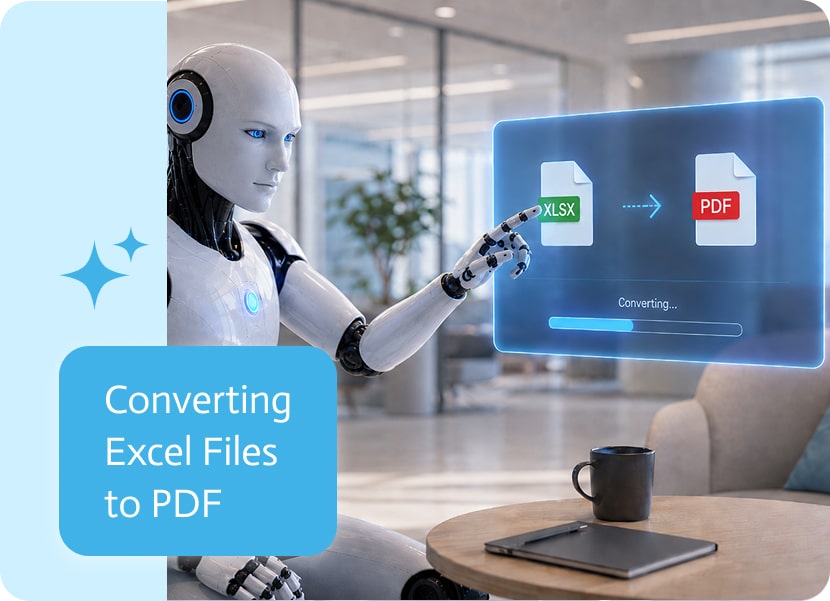

Converting Excel Files to PDF
Excel files are great for working with data. PDFs are better when you need to share that data in a clean, fixed format that does not shift, break, or suddenly look different on someone else’s screen.
Being able to convert .xls and .xlsx files to PDF makes it easier to turn spreadsheet data into documents that are ready to send, store, review, or attach to a process.
Why Convert Excel Files to PDF
Spreadsheets are useful when people need to edit, calculate, filter, or update data. But when the file needs to be shared, approved, archived, or sent to someone outside the team, PDF is often the safer format.
A PDF keeps the content more consistent. It is easier to open, easier to read, and less likely to be accidentally changed by someone who “just clicked one thing,” which is how many spreadsheet disasters begin.
Turning Spreadsheets Into Shareable Documents
Excel files often contain information that eventually needs to become a document. This can include reports, price lists, invoices, order summaries, financial statements, schedules, or operational exports.
Converting the spreadsheet to PDF helps turn that working file into something more polished and stable.
For example, an Excel file can become:
A report ready to send to a manager
A price list ready to share with a customer
An invoice summary ready to attach to an email
A financial sheet ready for approval
An archive copy that should not be edited later
Less Manual File Handling
Without automatic conversion, someone usually needs to open the Excel file, check the layout, export it to PDF, save it with the right name, upload it again, and hope the formatting did not decide to become modern art.
Converting Excel files to PDF inside a process removes that extra work. The file can move from spreadsheet to PDF without needing a person to handle each step manually.
A Cleaner Way to Share Excel Data
Excel is excellent for building and managing information. PDF is excellent for presenting and preserving it.
Supporting .xls and .xlsx conversion to PDF connects those two needs. It helps teams keep working in spreadsheets while still producing clean PDF documents when the data needs to be shared, stored, or used in the next step of a workflow.
Sales orders are a core component of SAP’s order management system. They not only streamline internal processes but also integrate seamlessly with forecasting and demand…

When working with contracts, agreements, approvals, and other business documents, there is a specific terminology used to describe the people and organizations involved in the…
The Contacts object is where HubSpot keeps all the information about the individuals, leads, customers and prospects who communicate with your business. These records are…