


Connecting Apps Without Losing Context
Modern business processes rarely happen inside a single application.
A customer might begin in a self-service portal, continue to an approval app, and finish in a document signing or payment application. While each app serves a different purpose, users expect the experience to feel like one continuous journey.
The key is passing context from one app to the next.
Eliminate Repetitive Data Entry
One of the biggest frustrations for users is having to enter the same information multiple times.
If an application already knows who the user is, which order they’re viewing, or which request they’re working on, the next app should receive that information automatically. This creates a smoother experience while reducing mistakes caused by manual input.
Build End-to-End Business Processes
Breaking a large process into multiple focused applications often results in a cleaner design.
For example, one app might collect customer information, another could manage approvals, and a third could generate documents or collect signatures. Passing parameters between these apps allows each one to pick up exactly where the previous one left off.
The result is a modular solution that remains connected from start to finish.
Improve the User Experience
Users don’t think in terms of separate applications—they think about completing a task.
When navigation carries the necessary information automatically, moving between apps feels seamless. Instead of searching for records or re-entering details, users can simply continue their work.
Create More Flexible Applications
Passing parameters between apps makes it easier to reuse the same application in different scenarios.
Rather than building separate versions for every workflow, a single app can adapt based on the information it receives, making your solutions easier to maintain and expand as business needs evolve.
In today’s competitive marketplace, exceptional customer service isn’t just a perk, it’s a necessity. Customers expect seamless, personalized interactions across every touchpoint. For businesses, meeting…
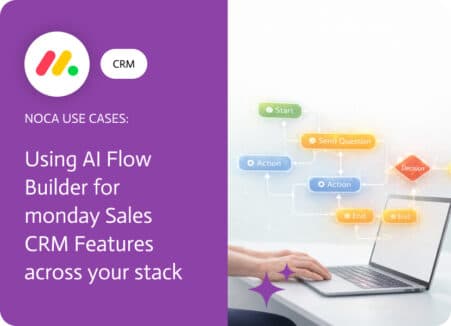
Moving an item between groups in monday.com is not just housekeeping. In a sales workflow, a group change usually means ownership shifted, the deal entered…

Lead scoring in Salesforce is meant to signal priority, but those signals are easy to miss when they live only inside the CRM. A score…