
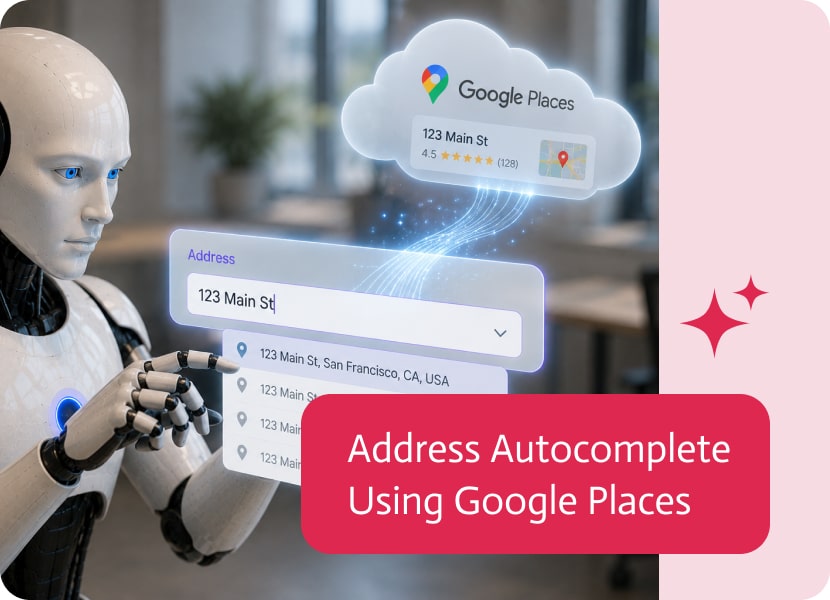

Address Autocomplete Using Google Places
Entering an address may seem like a simple task, but it’s often one of the biggest sources of inaccurate data in business applications.
Typos, incomplete addresses, inconsistent formatting, and missing postal codes can lead to delivery issues, failed service appointments, and duplicate customer records. Address autocomplete helps users enter verified addresses quickly while improving the quality of the data your application collects.
Reduce Manual Typing
Entering a full address by hand takes time and is easy to get wrong.
With address autocomplete, users simply begin typing and select the correct address from a list of suggestions powered by Google Places. This reduces typing and makes forms much faster to complete.
Improve Data Quality
The same address can be entered in many different ways.
Some users abbreviate street names, others omit important details, and some simply make typing mistakes. Using Google Places helps standardize address information, creating cleaner and more consistent data across your business systems.
Create a Better User Experience
Long forms can quickly become frustrating.
Providing address suggestions as users type makes the process feel faster and more intuitive. Instead of wondering whether they’ve entered the address correctly, users can simply select a verified result and continue.
Build More Reliable Applications
Accurate address data benefits far more than the form itself.
Whether you’re building customer portals, delivery applications, field service solutions, or registration forms, address autocomplete helps improve data quality, reduces manual corrections, and creates a smoother experience for everyone using your application.

The revolution in vibe coding has arrived, and two platforms are definitely worth having a look at. Comparing Lovable vs. Cursor isn’t really fair, due…

Salesforce integration involves connecting your CRM, with various external applications, systems, and databases. This type of integration allows businesses to streamline operations, automate workflows, and…
Hi Guys, this version is about making apps feel more complete, more flexible, and more useful in real business scenarios. We added stronger building blocks…