

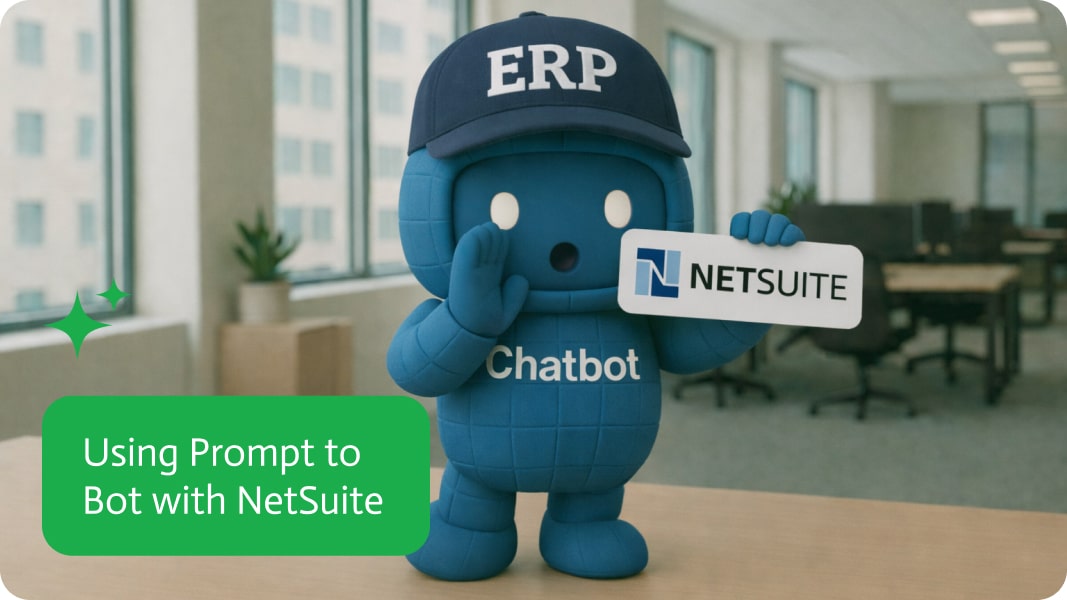
Using Prompt to Bot With NetSuite
NetSuite is not hard to use if you live in it. The problem is that most teams do not, and they still need answers like which customers were added, which sales orders just landed, and what changed since yesterday. Making people learn an ERP just to pull a quick list is a classic enterprise move, and not the flattering kind. A prompt to bot setup gives them a conversational way to query NetSuite data without turning every question into a training program.
The use case is an ai bot that can fetch real time NetSuite information on demand. A user asks “What were the last five sales orders that were created?” and the ai chat bot returns the list immediately, then supports follow up questions until the user gets what they need. It works for people who already have NetSuite access and for those who should be able to see outputs without needing to navigate the full system. If you are searching for a NetSuite ai chat bot, an ai chat agent for ERP search, or prompt to bot workflows that surface sales orders and customer data fast, this is the straightforward way to do it.
In Noca, you create this with prompt to bot by describing what the ai bot should be able to read in NetSuite, which objects it should cover, and what it should return for common queries like recent sales orders, customers, or purchase orders. The trigger is the user’s message, with conditions that detect intent and routing that decides whether to answer, ask for clarification, or restrict what is shown based on role. Mapping translates conversational requests into NetSuite objects and fields, then the destination action runs the query and formats the response so it is usable, not just technically correct. If you want the bot to kick off workflows after it answers, you can pair it with prompt to flow or the visual builder to add triggers, conditions, mapping, destination actions, and routing, like notifying finance when an order crosses a threshold or creating a task when a PO is missing.
The outcome is faster access to ERP data without forcing everyone into the NetSuite UI, which reduces interruptions, speeds decisions, and lowers the barrier to using the system correctly. It is a simple shift: people ask, the system answers, and you stop wasting time translating “where do I click” into “here is the data.” To learn more about Noca, visit https://noca.ai/ and explore prompt to bot at https://noca.ai/prompt-to-bot/ .

Integration-Platform-as-a-Service (iPaaS) is the cloud-hosted glue that snaps SaaS apps, on-prem systems, files, APIs, streams, you-name-it into a single, well-behaved ecosystem, no custom spaghetti code…
Monday.com changed the way teams work by showing that a CRM doesn’t have to be a boring spreadsheet. It can be a “Work OS” that…
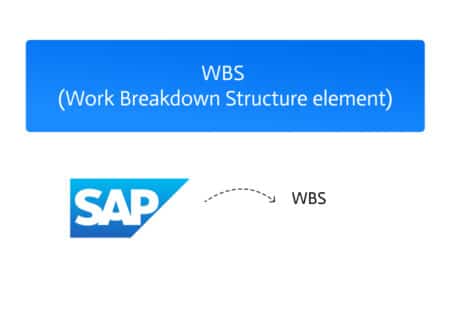
A WBS Element (Work Breakdown Structure Element) in SAP is a fundamental component used to structure and manage projects. It represents a specific task—or a…