
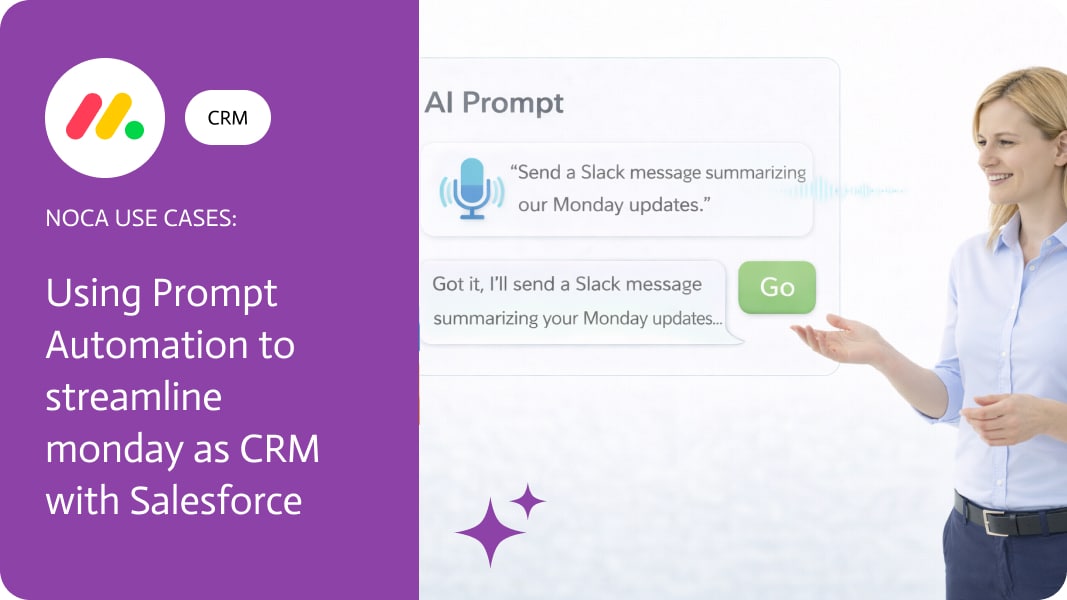
Using Prompt Automation to Streamline monday as CRM with Salesforce
Monday as CRM gets interesting when assignment becomes a real workflow signal, not just a column update. Teams often use monday.com to decide who owns the next step, because it is visible, collaborative, and easy to change. The problem is that Salesforce is still where tasks get tracked and measured. If ownership changes in monday but the follow up task never appears in Salesforce, accountability becomes optional.
This use case connects monday assignment to Salesforce task assignment automatically. When a monday.com item is assigned to an account owner or team member, Noca creates a Salesforce Task for that same person and links it to the relevant Salesforce record. The task can include the monday item context, due date, priority, and any notes captured on the board, so the owner gets a clear next action inside Salesforce without copying anything over.
In Noca, start with a monday.com item updated trigger that watches the assignee column. Add a condition so it runs only when the assignee changes, then use a lookup step to find the correct Salesforce record, such as an account, opportunity, or lead tied to that item. After the match, create a Salesforce Task assigned to the mapped user and relate it to the record. If your monday users and Salesforce users do not share the same emails, include a user mapping table so the assignment stays accurate. For the Noca platform, use https://noca.ai/ . For the prompt driven workflow builder, use https://noca.ai/prompt-to-flow/ .
The result is a tighter handoff between monday workflow and Salesforce execution. monday stays the place where ownership is decided, Salesforce becomes the place where follow up work is recorded, and tasks get assigned automatically without relying on someone to translate the board update into a CRM action.
Today’s businesses never stop moving forward, which is why linking all your systems and apps is a must. SAP Cloud Platform Integration (CPI), part of…

Boomi is a powerful integration platform as a service (iPaaS) that helps businesses connect applications, data, and processes within complex IT environments. Although it’s built…
Using AI for brainstorming isn’t just a trend, it’s changing how we think of new ideas, solve tough problems, and get past those creative blocks….