

Using an AI Flow Builder for NetSuite Customer via Slack
Customer NetSuite records change for reasons that matter, even when the change looks small. A terms update can affect billing, a status change can affect onboarding, and an address correction can affect fulfillment. The annoying part is not the change itself. It is that the right people often do not see the update until someone makes a decision based on outdated information. If you are looking for NetSuite Slack notifications, automate NetSuite customer updates, or alert teams when a NetSuite customer changes, this pattern is a clean way to reduce downstream mistakes.
This workflow turns a NetSuite customer change into an immediate Slack alert. When a customer record is updated in NetSuite, Noca sends a Slack message to the customer owner or another relevant party in your organization. The message can include what changed and the context needed to act, such as customer name, status, payment terms, subsidiary, region, and key identifiers. You can also route the notification to a team channel when ownership is shared across finance, ops, or success.
In Noca, you can build this using prompt to flow or the ai flow builder. Start with a NetSuite customer updated trigger, add conditions to focus on the fields that actually matter, then send a Slack message to the owner, a channel, or both. Map the relevant NetSuite customer fields into the Slack message so the notification is informative, not noisy. For platform context, use https://noca.ai/ and for generating this workflow from a prompt, use https://noca.ai/prompt-to-flow/.
The result is better operational visibility around customer changes. NetSuite remains the system of record, Slack becomes the awareness layer, and teams respond faster because they learn about updates when they happen, not later.
Data-driven decision-making is a cornerstone of successful business management. Salesforce simplifies this process through its Report object, which allows users to generate, manage, and analyze…
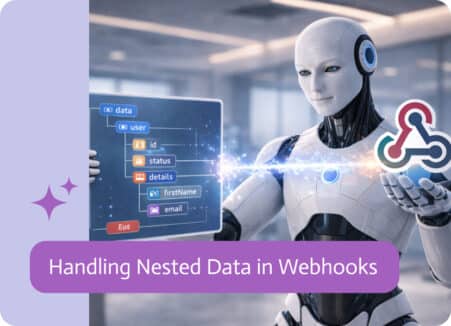
If you’ve ever worked with integrations, you’ve probably run into this: the data you get isn’t nice and flat. It comes layered, grouped, and nested…
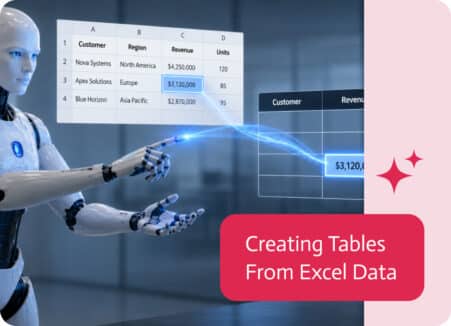
Excel files are one of the most common places where business data lives. Product lists, pricing sheets, customer records, inventory reports, budgets, and order data…