
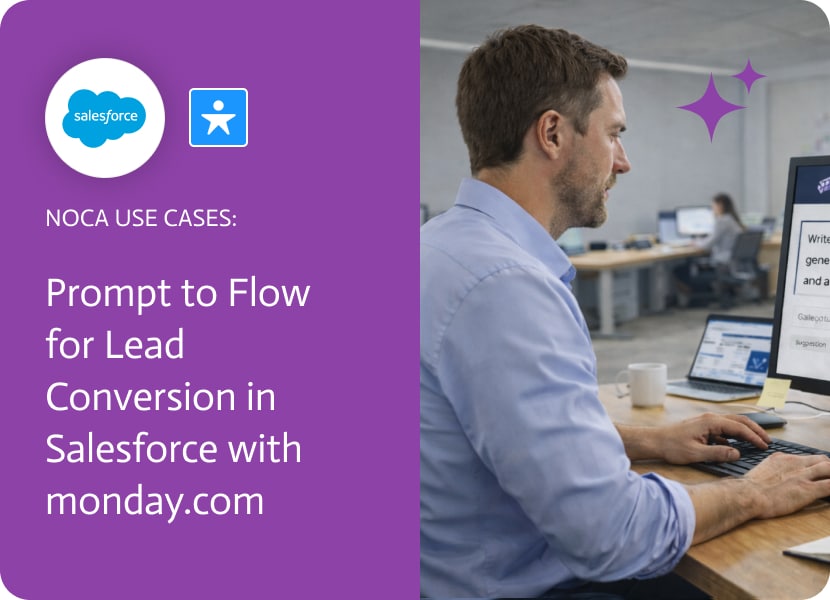

Prompt to Flow for Lead Conversion in Salesforce with monday.com
Lead Conversion Salesforce
Lead conversion in Salesforce is usually thought of as a downstream event, something that happens after qualification. In practice, many teams begin “conversion” much earlier by handing leads into operational systems where work actually happens. For organizations using monday.com to manage pipelines, projects, or handoffs, the first step in lead conversion is often visibility, not a status change.
This use case reframes lead conversion in Salesforce as an early workflow bridge. When a lead is created in Salesforce, an automation creates a corresponding lead item on a designated board in monday.com. Lead fields such as name, company, source, and owner are mapped directly into board columns, ensuring that sales or operations teams can immediately see and act on new leads without logging into Salesforce.
Noca supports this workflow using an ai automation agent that connects Salesforce events to monday.com actions. Teams can generate the automation using a prompt to flow experience or build it visually with the ai flow builder, defining how Salesforce lead data maps to monday.com board structure. Salesforce remains the system of record, while monday.com becomes the execution layer for follow up and coordination. For teams managing active boards, this pairs naturally with monitoring patterns like the proactive AI workflows described in this monday.com board automation guide. More details on Noca’s automation approach are available on the Noca homepage and the Prompt to Flow product page.The result is a practical lead conversion pattern that improves cross team alignment. Leads move instantly from Salesforce into monday.com, teams gain shared visibility, and handoffs happen without manual updates or duplicated data. It is a clean example of ai automation supporting lead conversion without forcing process changes inside Salesforce.
For an overview of the platform go to https://noca.ai/. For the prompt based workflow builder, take a look at https://noca.ai/prompt-to-flow/.

What is AI Blog Writing? AI blog writing is a short form of Artificial Intelligence writing for blogs. AI writing tools make use of NLP…
Cross team communication usually fails for the least dramatic reason possible: everyone is in a different system, and nobody wants another meeting to answer a…
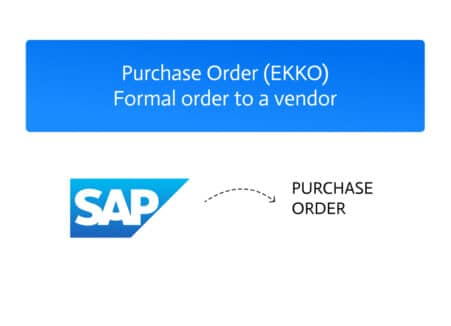
In SAP systems, especially within Defense Forces & Public Security (DFPS) solutions, 0DF_PONUM plays a critical role in identifying and managing purchase orders across the…