
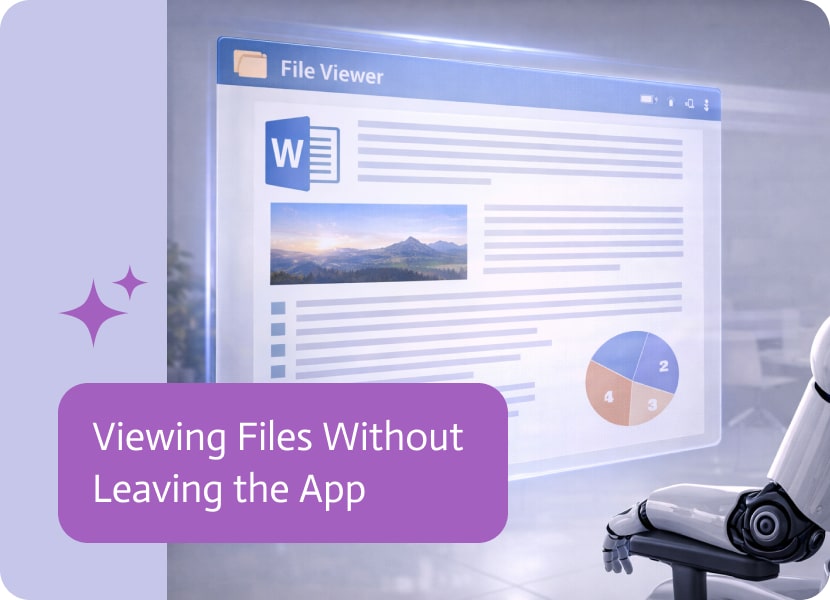

Viewing Files Without Leaving the App
Working with files is a natural part of many applications.
Documents, attachments, reports, and images often sit alongside structured data, waiting to be opened when needed. But traditionally, accessing those files meant leaving the current view or switching context entirely.
When Files Take You Out of Context
In many applications, files are connected to records.
An opportunity might have attachments. A record might include supporting documents. A list might point to multiple files that hold important context.
But opening those files often meant stepping away from the application view, breaking the flow of interaction.
Bringing Files Into the Experience
A file viewer can now be included directly inside applications, allowing files to be opened and viewed without leaving the current screen.
Instead of navigating away, users can simply click on a file and preview it within the same environment.
The file becomes part of the experience, not something outside of it.
Viewing Files in Context
For example, if an app displays a list of opportunities along with their attachments, each attachment can be opened directly in the file viewer.
This keeps the user anchored in the same place while still giving access to the full content of the file.
There is no need to switch tabs, reload pages, or lose track of the current view.
A Smoother Way to Work with Documents
When files can be viewed in context, the interaction becomes more fluid.
Users can move between data and documents without interruption, making it easier to review information and continue working at the same time.
Keeping Everything Connected
Instead of treating files as separate from the application, they become part of the same flow.
Data and documents live together, and users can access both without breaking their focus or navigation path.

Salesforce Flow is a powerful tool for automating business processes inside Salesforce. It allows organizations to create workflows that update records, perform calculations, manage approvals,…
This release is all about Apps! We packed it with a new feature, helpful enhancements, and an important bug fix to make building and using…
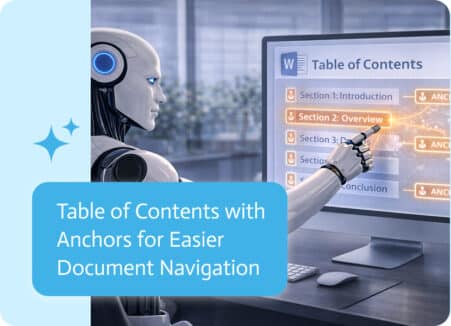
Some documents start simple.A few pages, a clear structure, and a straightforward flow from beginning to end. In those cases, finding information is easy—you just…