
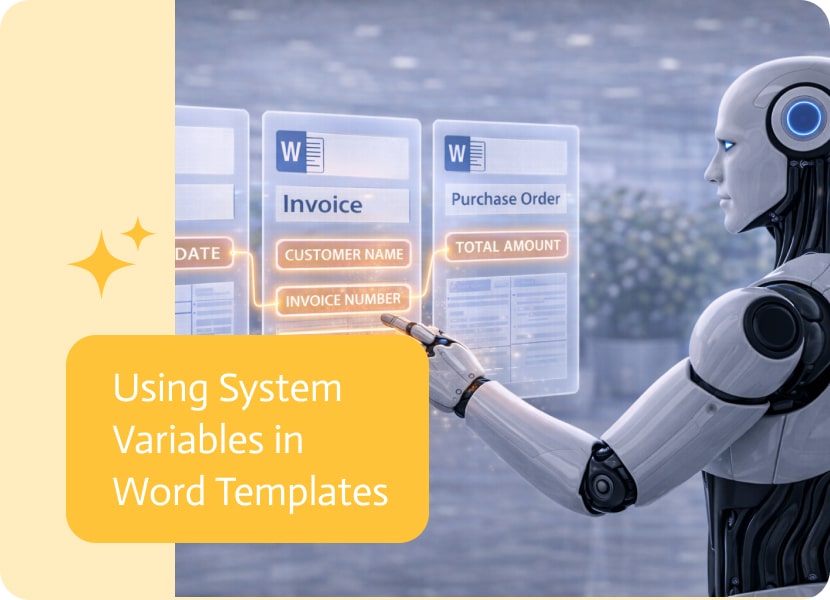

Using System Variables in Word Templates
Word templates are often used to generate consistent, structured documents automatically. To make these documents more dynamic and adaptable, templates can now include system-level information directly within their content.
Adding System Information to Templates
With this capability, system variables can be inserted directly into Word templates during the design process.
These variables automatically resolve when a document is generated, allowing templates to include relevant system information without requiring manual input.
Making Templates More Dynamic
By using system variables, Word templates become more flexible and context-aware. Instead of relying only on fixed text or external data sources, templates can now include information that reflects the system environment or document generation context.
This helps ensure that generated documents are more complete and consistent.
Why This Matters
Using system variables inside Word templates provides several benefits:
- Reduced need for manual data entry
- More consistent and standardized documents
- Automatic inclusion of relevant system information
- Easier maintenance of reusable templates
Smarter, More Context-Aware Documents
By embedding system variables directly into Word templates, document generation becomes more dynamic and reliable. Each generated document can automatically include the right contextual information, helping ensure accuracy and consistency across all outputs.

This release brings a small but useful set of updates, including a new Apps feature, improvements to Apps behavior, and a couple of enhancements for…

A few new improvements are here for Apps and Docs to help streamline your work. Enjoy the update! Apps Features Enhancements Docs Features

Sales teams end up collecting product issues because customers do not file tickets, they complain to whoever answers fastest. In many orgs that capture happens…