
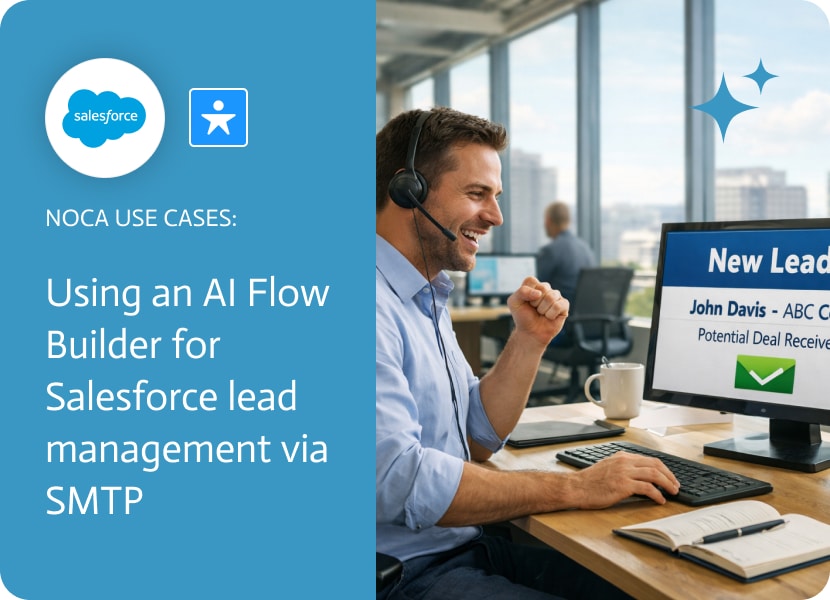
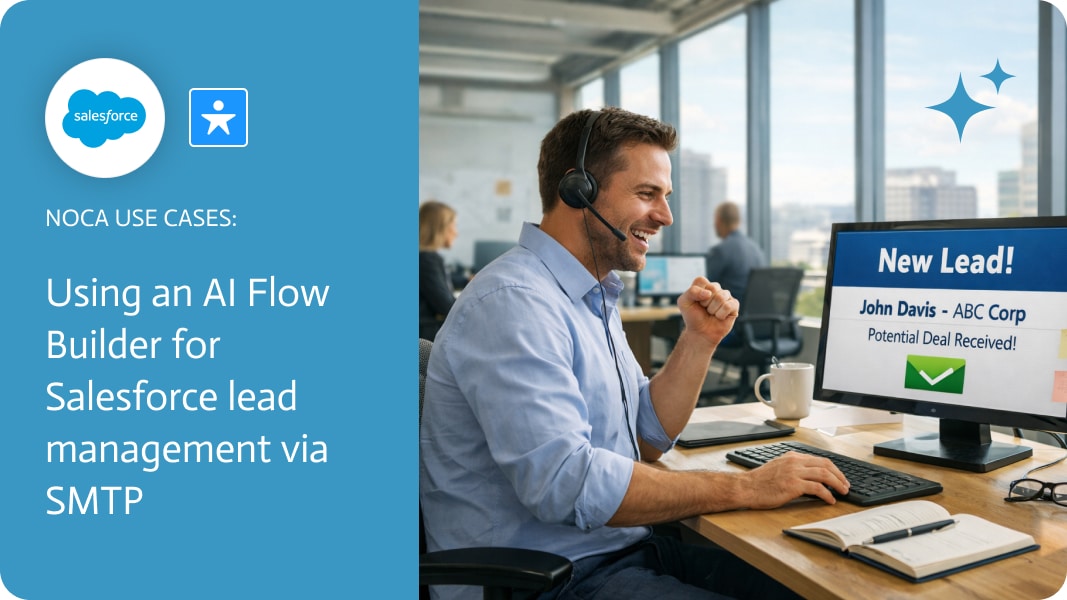
Salesforce Lead Management: Automated Lead Notifications with Noca
Salesforce lead management is often well defined, but Salesforce lead notifications do not always match how modern sales teams actually work. In many organizations, lead owners are not constantly logged into Salesforce, which can delay awareness when a new lead is created. This creates a visibility gap between Salesforce lead creation and timely follow up by the assigned owner.
This use case focuses on improving Salesforce lead notifications by closing that gap. When a new lead is created in Salesforce, the event triggers Noca to automatically send an email notification to the lead owner via SMTP. The notification is immediate and data driven, using fields already available in Salesforce, so lead owners are informed as soon as the lead record exists. This approach enhances Salesforce lead management without replacing lead assignment rules or modifying core Salesforce logic.
Configuring Salesforce lead notifications with Noca is intentionally straightforward. Users can create the automation using a prompt with existing Salesforce and email integrations, or build the workflow directly in Noca Flows. The process involves selecting Salesforce as the trigger, choosing the lead creation event, and adding an SMTP email action. The email can include any fields from the Salesforce lead record and related objects, providing context rich notifications instead of generic alerts.
The result is a flexible, reliable Salesforce lead notification layer that works alongside your existing CRM setup. Lead owners receive timely notifications through email, improving response time and visibility without changing how leads are created or assigned. For teams looking to optimize Salesforce lead management, this automation delivers measurable impact with minimal complexity.
For a platform overview, go to https://noca.ai/. For the prompt based workflow builder, check out https://noca.ai/prompt-to-flow/.
Software is very different now than it was a few months ago. For a long time, if you wanted to make apps, you had to…
Introduction to Mulesoft for Accounting Software Integration Mulesoft, a premier integration platform as a service (iPaaS), enables seamless connections between various applications and systems. It…
A Salesforce Task object is a record that represents an action assigned to a user, such as a follow-up call, email, or any other scheduled…