
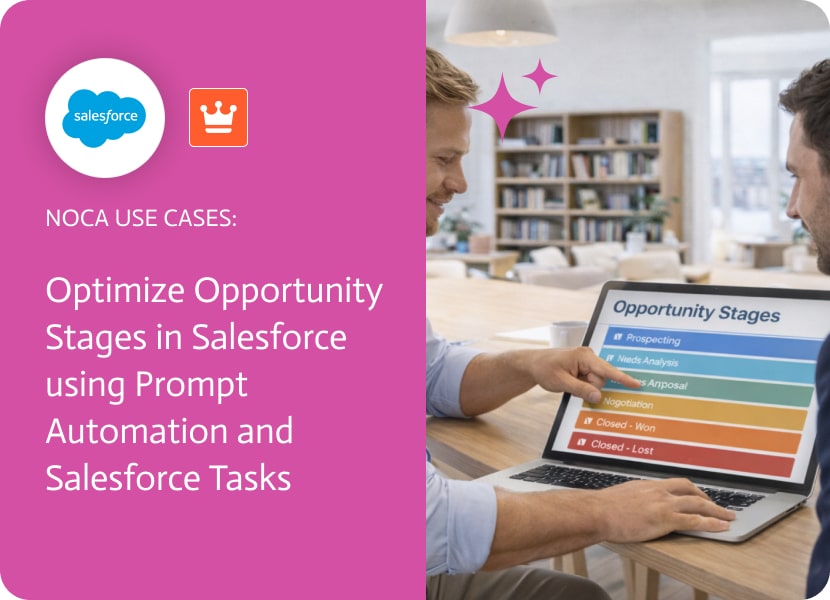

Optimize Opportunity Stages in Salesforce Using Prompt Automation and Salesforce Tasks
Opportunity stages in Salesforce are supposed to tell you where a deal stands, but stages don’t do anything on their own. A brand-new opportunity can land in an early stage and still sit there indefinitely if no follow-up action is created. The real issue isn’t the stage model — it’s whether stage signals reliably generate the next step.
This use case connects Opportunity Stages in Salesforce to immediate execution. When an opportunity is created in Salesforce, an automation creates a related Salesforce Task assigned to the opportunity owner. The task can be tailored to match your stage logic (for example, aligning the task subject or due date with the initial stage), and it can include key opportunity fields so the owner has context without digging through records.
Noca supports this workflow using an ai automation agent that listens for Salesforce opportunity creation events and triggers task creation inside Salesforce. Teams can generate the flow using a prompt to flow experience or build it visually with the ai flow builder, choosing the trigger, defining task fields, and mapping opportunity data into the task. To get a sense of Noca’s automation platform, visit the Noca homepage. If you want the part where a prompt becomes a working workflow, the Prompt to Flow product page covers that. The result is a tighter opportunity process: stages remain meaningful because they are paired with an assigned action, owners get a clear next step immediately, and Salesforce stays the system of record. This is ai automation that reinforces opportunity stages without pretending the CRM needs fixing.
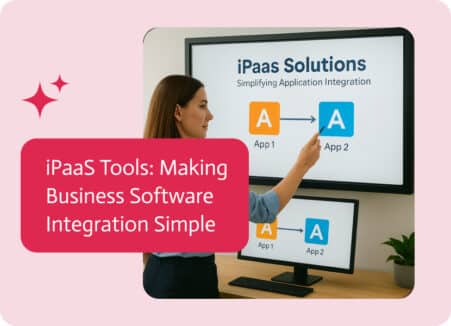
Ever get stuck using tons of apps and systems and wish they could all just work together? Or maybe you’re trying to lead a growing…
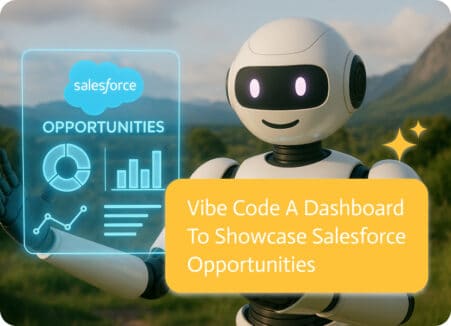
Imagine simply asking for a dashboard that displays key late-stage opportunities, prioritizes them by likelihood, flags neglected deals, and shows rep performance, and then receiving…
Imagine an organization where every department seamlessly shares data, enhancing efficiency and decision-making. This is exactly what you can achieve with AI-powered software integrations. This…