
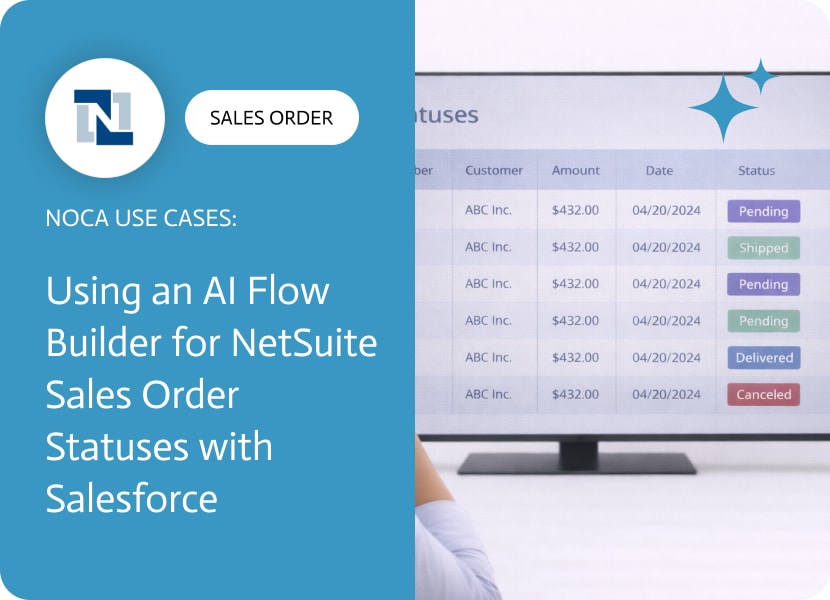

Using an AI Flow Builder for NetSuite Sales Order Statuses with Salesforce
NetSuite sales order statuses are only part of what changes over the life of an order. The details change too, and some of those details are what downstream teams actually use to match records across systems. Purchase order numbers are a good example. If the PO number is updated in NetSuite but Salesforce still shows the old value, people end up reconciling records by guesswork, which is how avoidable errors get introduced.
This use case keeps NetSuite and Salesforce aligned when the PO number changes. When a NetSuite sales order is updated and the PO number field is changed, Noca detects that change and updates the PO number on the corresponding Salesforce opportunity. This supports NetSuite to Salesforce integration by keeping the opportunity record accurate for customer communication, reporting, and operational coordination. You can also limit the automation to only run when the PO number actually changes, not on every sales order update.
In Noca, the setup is event driven and focused on the change itself. Use a NetSuite sales order updated trigger, add a condition that checks whether the PO number changed, then locate the related Salesforce opportunity using a stable identifier and update the target PO number field. Map the NetSuite PO number into the opportunity field and include any additional fields you want to keep in sync. To review Noca capabilities and integrations, visit https://noca.ai/. To generate this workflow from a prompt instead of building it manually, use https://noca.ai/prompt-to-flow/.
The result is fewer mismatches between ERP and CRM. NetSuite remains the source of truth for sales order details, Salesforce stays current for customer facing teams, and the PO number stays consistent across systems without manual updates.

Artificial Intelligence (AI) has been shaking up creative industries for years now, and storytelling is no exception. Writers of all kinds—whether novelists, content marketers, or…
In simple terms, it’s a tool that takes what you’ve written by hand on paper, tablet, whiteboard, napkin, or whatever and converts it into editable,…

Salesforce helps businesses manage customer relationships, streamline operations, and drive growth. As companies expand, integrating with third-party tools becomes crucial. This is where Salesforce Integration…