
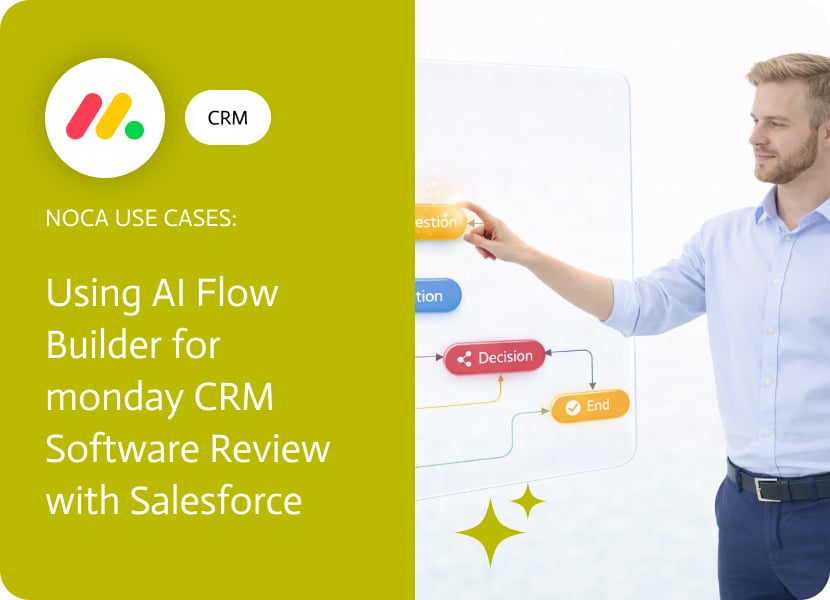

Using AI Flow Builder for monday CRM Software Review with Salesforce
A monday CRM software review tends to surface a practical question: which system is allowed to change the deal. Many teams run their day to day pipeline workflow in monday.com because it is collaborative and easy to customize, while Salesforce remains the system of record for forecasting and reporting. The trouble starts when an opportunity is updated in monday.com and Salesforce still shows the old stage, amount, or close date.
This use case syncs opportunity updates from monday.com into Salesforce. When an opportunity item is updated on a monday.com board, Noca finds the matching Salesforce opportunity and updates the corresponding fields. You can map stage changes, amount updates, close date adjustments, owner changes, and any custom pipeline fields you track in monday. This is a direct monday.com to Salesforce opportunity sync that removes the need for manual reconciliation.
In Noca, start with a monday.com item updated trigger on the opportunity board, then use a lookup step to locate the right Salesforce opportunity using an external ID, opportunity ID stored in monday, or a unique key like opportunity name plus account. After the match, apply an update action in Salesforce with the mapped fields from monday. Add conditions so only meaningful changes trigger updates, and include rules for stage transitions if your Salesforce opportunity stages have stricter requirements. Noca overview https://noca.ai/ and Prompt to Flow https://noca.ai/prompt-to-flow/.
The result is a cleaner pipeline across tools. monday.com stays useful for collaboration and workflow, Salesforce stays accurate for opportunity management and reporting, and your monday CRM software review stops ending with a reminder to keep two systems manually aligned.

One of the biggest challenges for marketers today is creating engaging, on brand content consistently across multiple platforms. Whether it be tight deadlines, evolving algorithms…
“Software as a Service” (SaaS) denotes a service model that is usually associated with a software application existing on the internet and being accessible through…
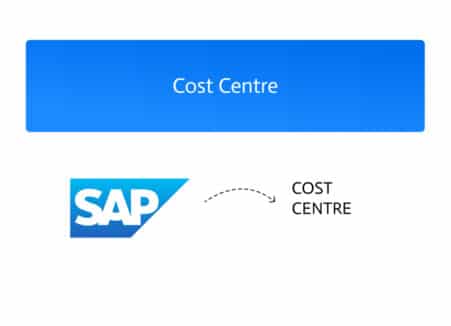
A Cost Center in SAP represents a specific organizational unit where costs are incurred and tracked independently. Whether tied to a department, team, or physical…