


Using Prompt Automation to Streamline monday CRM Review with Jira
A monday CRM review usually ends up exposing the same bottleneck: the board is where information is collected, but the actual work gets executed somewhere else. If engineering or delivery teams live in Jira, then a new item in monday.com that represents a request, bug, or task still has to become a Jira issue. When that translation is manual, it is slow, inconsistent, and easy to botch.
This workflow fixes that handoff with a monday.com to Jira integration. When an item is added to a monday.com board, Noca automatically creates a Jira issue and carries over the context from the board. That can include the item title as the Jira summary, a rich description built from monday.com columns, priority, owner, due dates, and any labels your team uses for triage. It is a clean way to create a Jira ticket from monday without copy paste.
To build it in Noca, you can use prompt to flow or the ai flow builder. Set the trigger to monday.com item created on the relevant board, then add a Jira create issue step and map board columns into Jira fields. Add conditions if you only want issues created for specific groups or statuses, and route to the correct Jira project or issue type based on the monday board structure. Noca details live on https://noca.ai/ and Prompt to Flow can be found on https://noca.ai/prompt-to-flow/.
The result is a tighter crm and delivery loop. monday.com stays the intake surface for your crm process, Jira becomes the system of execution, and your monday CRM review stops ending with a manual checklist item that nobody enjoys doing.
This release brings a small but useful set of updates, including a new Apps feature, improvements to Apps behavior, and a couple of enhancements for…
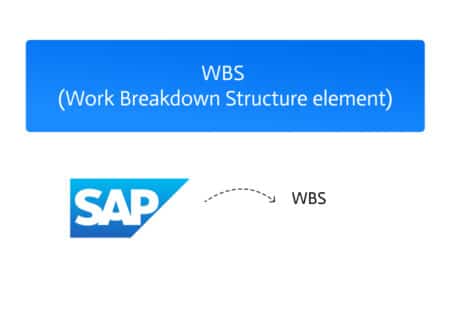
A WBS Element (Work Breakdown Structure Element) in SAP is a fundamental component used to structure and manage projects. It represents a specific task—or a…
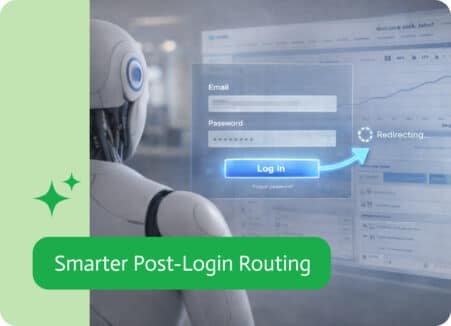
In many digital applications, the login experience is treated as a simple gateway — a necessary step before users can access the system. But what…