
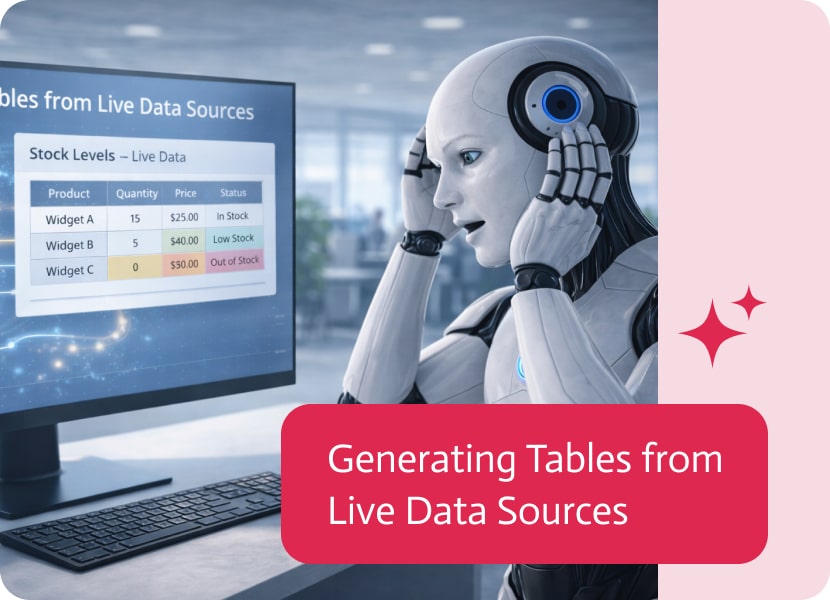

Generating Tables from Live Data Sources
Tables are one of the most effective ways to present structured information in documents. They help organize data clearly, making it easier to read, compare, and understand.
But traditionally, tables in documents have been static—you define the structure first, and then fill in the content. This approach works well when you already know exactly what your data looks like. In many real-world cases, however, data is dynamic and can vary each time a document is generated.
Moving Beyond Fixed Table Structures
With this update, tables in the Word add-in are no longer limited to a predefined structure.
Instead of building a table first and then populating it manually, the table itself can now be generated dynamically based on the data retrieved from your source.
This means the structure of the table adapts automatically to the information available at the time the document is created.
Tables That Reflect Real-Time Data
One of the key improvements is that the number of rows in a table is no longer fixed.
As data changes, the table adjusts accordingly—expanding or contracting to match the dataset exactly. This ensures that the final document always reflects the actual content available, without requiring manual adjustments or template changes.
Why This Matters
This flexibility brings a number of practical benefits:
- Documents always stay aligned with the underlying data
- No need to manually update table structures for different cases
- Fewer templates required for different data sizes
- More accurate and reliable document generation
Instead of forcing data into a rigid format, the document now adapts to the data itself.
More Natural Document Generation
This capability helps make document creation feel more fluid and responsive. Rather than designing for a fixed scenario, you can now build templates that work across many different situations automatically.
Whether the dataset contains a few entries or many, the resulting table will always match the reality of the data at runtime.

Integration-Platform-as-a-Service (iPaaS) is the cloud-hosted glue that snaps SaaS apps, on-prem systems, files, APIs, streams, you-name-it into a single, well-behaved ecosystem, no custom spaghetti code…

This following version contains a few powerful Flow, Apps & Bots features as well as one Apps enhancement. Flows Features Apps Features Enhancements Bots Features

In today’s competitive and fast-paced business environment, companies are increasingly turning to Salesforce Integration Consultants to streamline their operations, optimize data flow, and improve customer…