
Adding Images to Generated Documents
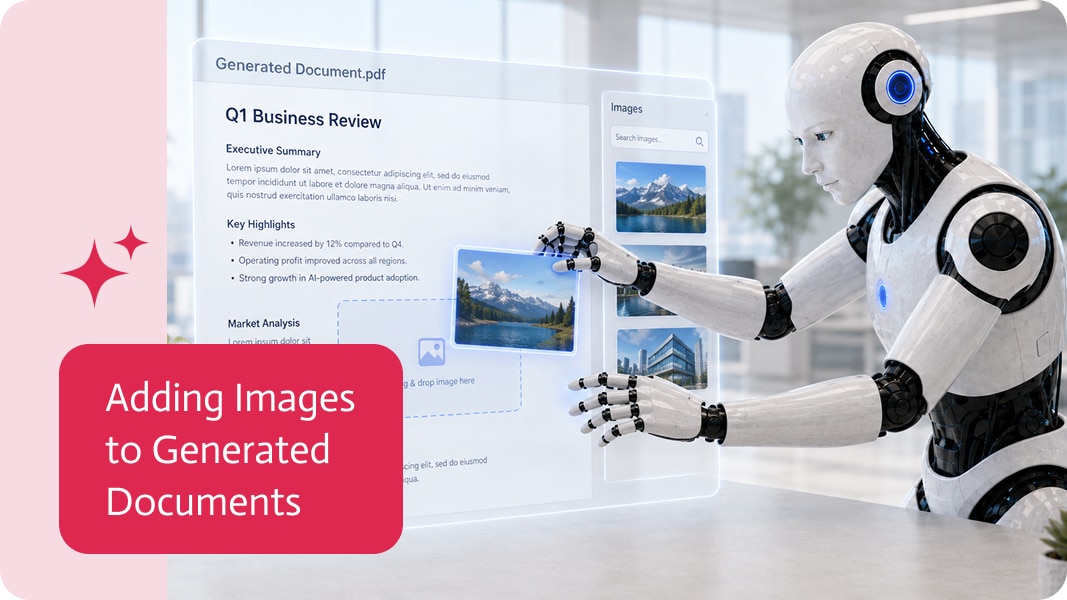
Generated documents are much more useful when they can include more than plain text and fields. Sometimes a document needs images too.
That image might be a signature, an uploaded file, a photo from a form, a scanned document, a logo, or any other visual input that needs to become part of the final PDF. Because yes, sometimes “please attach it separately” is just workflow clutter wearing a polite hat.
Why Images Matter in Generated Documents
Images often come from app users.
For example, a user may upload a file, draw a signature, attach a photo, or submit an image as part of a form. That input can then be passed into a generated document and included in the final PDF.
This is useful for apps that collect:
- Signatures
- Uploaded files
- Photos
- Scanned documents
- Proof of delivery
- Inspection images
- Receipts
- ID images
- Approval confirmations
Instead of keeping these inputs separate, they can become part of the final document.
A Simple Signature and Upload Example
One common example is an app with a signature page and a file upload field.
The user fills in the form, uploads the required file, signs inside the app, and clicks submit. The uploaded file and signature image can then be placed directly into the generated PDF.
That creates a cleaner result: one completed document with the relevant details and visual inputs included, instead of a document plus several disconnected attachments that someone will eventually lose. Obviously.
Better Documents, Less Manual Work
Without image support, teams often need to download images, insert them manually into a document, export the document as a PDF, and then send it forward.
That works, technically. So does carrying water in a bucket with a hole in it.
Adding images directly into generated documents removes a lot of that manual handling. The document can be created with the right visual content already included.
More Complete Document Workflows
Generated documents are often part of a larger business process. They may be sent to customers, stored in a system, attached to a record, used for approvals, or archived for compliance.
When images from apps can be embedded into those documents, the final PDF becomes more useful and more self-contained.
In simple terms: the document can now include the visual proof, signature, or file content it needs, right inside the final result.

Workato is a powerful integration and automation platform that enables businesses to connect their applications, data, and processes seamlessly. Designed for IT, Workato offers a…

Finding the right information shouldn’t feel like searching in ten different places at the same time. Yet in many workflows, content is scattered—across files, documents,…