
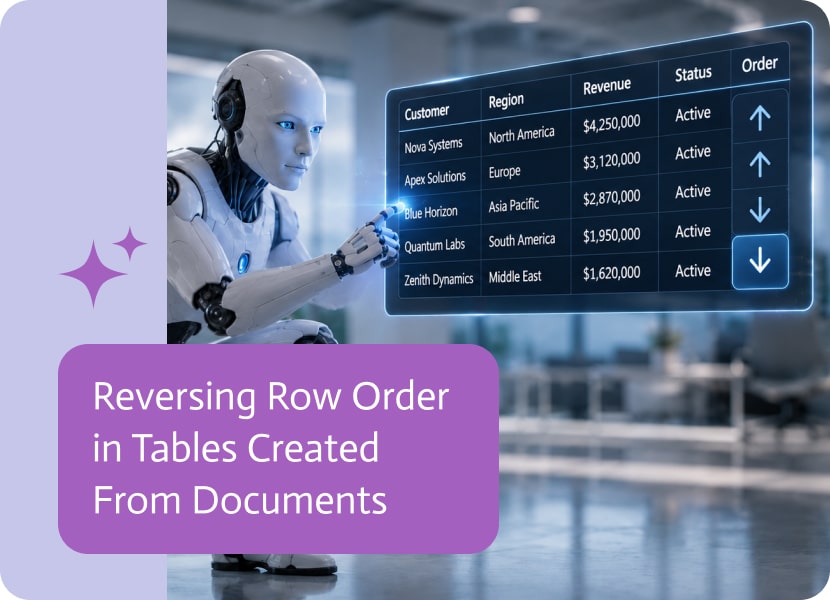
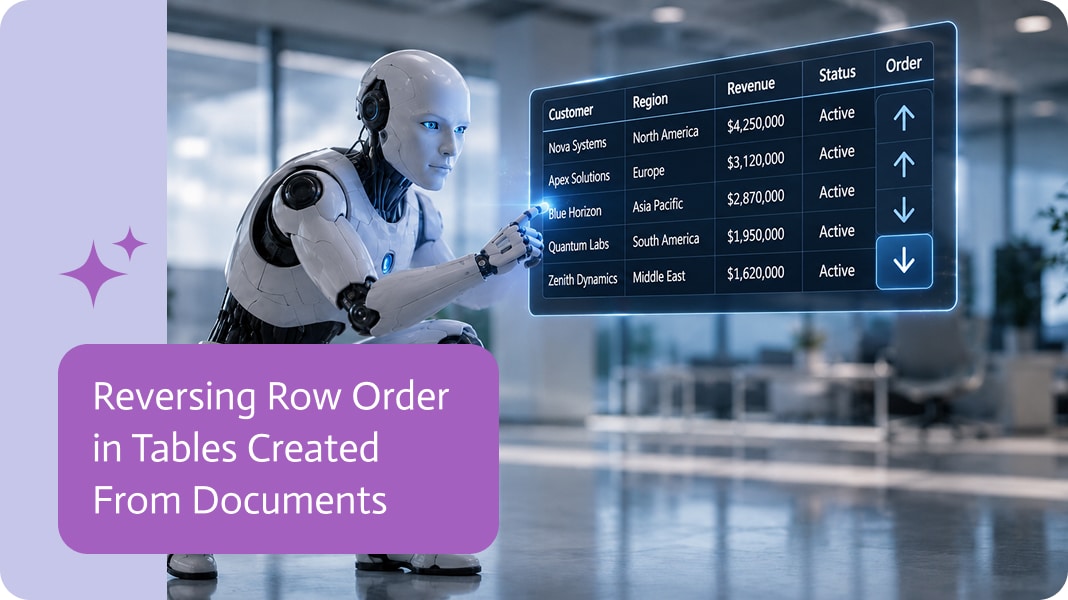
Reversing Row Order in Tables Created From Documents
Sometimes a table is created correctly, but the rows appear in the opposite order from what you need. The data is there, the table is fine, and still, somehow, you are reading it backwards like a very boring escape room.
Being able to reverse the row order makes tables created from documents easier to read, review, and use.
Why Row Order Matters
When a table is created from a document, the order of the rows can affect how useful the information is.
A document may include dates, transactions, line items, tasks, service records, or activity history. Sometimes the oldest item appears first. Other times, the newest item appears first. Both can be valid, but the table needs to match how people actually want to work with the data.
Making Document-Based Tables Easier to Use
Tables created from documents often need small adjustments before they are ready for the next step.
For example, a PDF may contain a list of payments from oldest to newest, while the final table needs to show the latest payment first. Or a document may list items in an order that makes sense visually, but feels awkward once the content becomes rows in a table.
Reversing the row order solves this without manually rebuilding the table.
Less Manual Rearranging
Without this option, teams may need to copy rows, sort data, or add extra steps just to flip the rows around.
That is a lot of ceremony for something that should be simple.
With row reversing, the table can be adjusted right after it is created. The result is cleaner, easier to read, and better prepared for whatever comes next.
A Simple Way to Control Table Results
Creating tables from documents is useful because it turns file-based information into structured data. But the rows still need to appear in the right order.
Reversing row order gives more control over tables created from documents. It helps make the final table not only accurate, but also arranged in the way people actually need to use it.

The introduction of artificial intelligence has helped to achieve a revolution in many areas. Recently, coding has come to be seen as the meaning of…
Nobody wakes up thinking, “I hope I get to move data between five platforms today,” let’s face it. Nevertheless, that is the hidden reality of…
In NetSuite an invoice record is a sale to a customer. It shows the process of billing for goods and services delivered to the customer…