
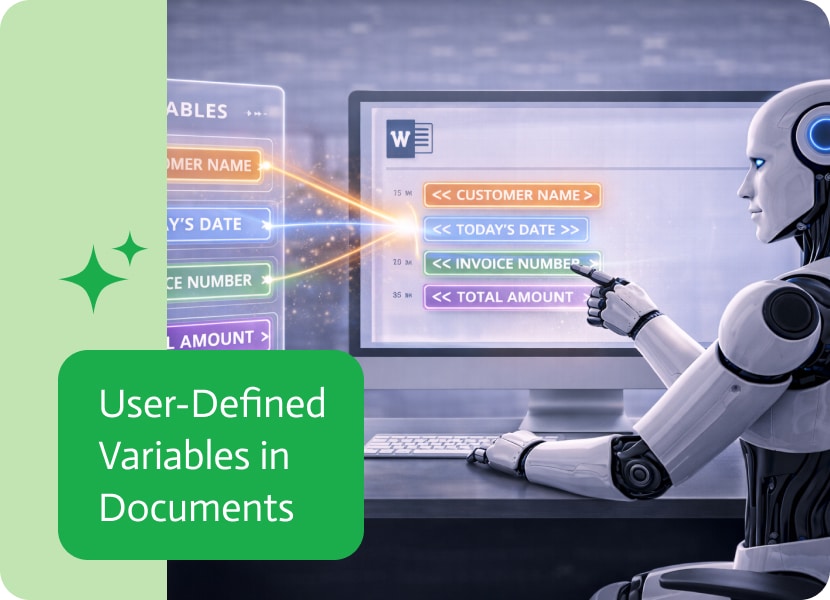

User-Defined Variables in Documents
Working with dynamic documents often means working with data that changes depending on the flow behind it.
Some values come from systems, some are predefined, and some are calculated along the way. But until now, not everything could be shaped exactly the way you needed inside the document itself.
When Data Needs a Bit More Structure
System variables already made it possible to bring predefined values into documents.
But in many real cases, the data you want to use is created as part of the flow itself—based on conditions, logic, or transformations that happen before the document is generated.
And those values often need to be reused in a clean, consistent way.
Defining Your Own Variables in a Flow
Now, variables can be defined directly within the flow that prepares the data for the document.
Instead of only relying on external or system-level values, you can create your own variables during the flow execution and pass them forward into the document generation step.
These variables behave just like any other dynamic value—but they are fully defined by the flow itself.
Using Flow Variables Inside Templates
Once defined, these variables can be used directly inside document templates.
This allows the structure of the data to be shaped before it reaches the document, rather than only inside the document itself.
It creates a clearer separation between how data is prepared and how it is displayed..
More Control Over Document Logic
By introducing user-defined variables into flows, document generation becomes more flexible.
You can control not just what data appears, but how it is organized and reused across the template.
This makes it easier to build documents that adapt to different inputs without changing the template structure itself.
Bringing Logic and Presentation Closer Together
Instead of treating flows and documents as separate layers, variables create a shared bridge between them.
Data can be shaped in the flow and then used directly in the document, keeping everything consistent from input to output.
Introduction to Mulesoft for Accounting Software Integration Mulesoft, a premier integration platform as a service (iPaaS), enables seamless connections between various applications and systems. It…

If you look out the window of your digital life right now, you can see it, a monstrous AI monsoon, bringing the floods but not…

AI has changed numerous industries over the last couple of years, and animation is no exception. AI-powered animation video generators are transforming content creators, marketers,…