
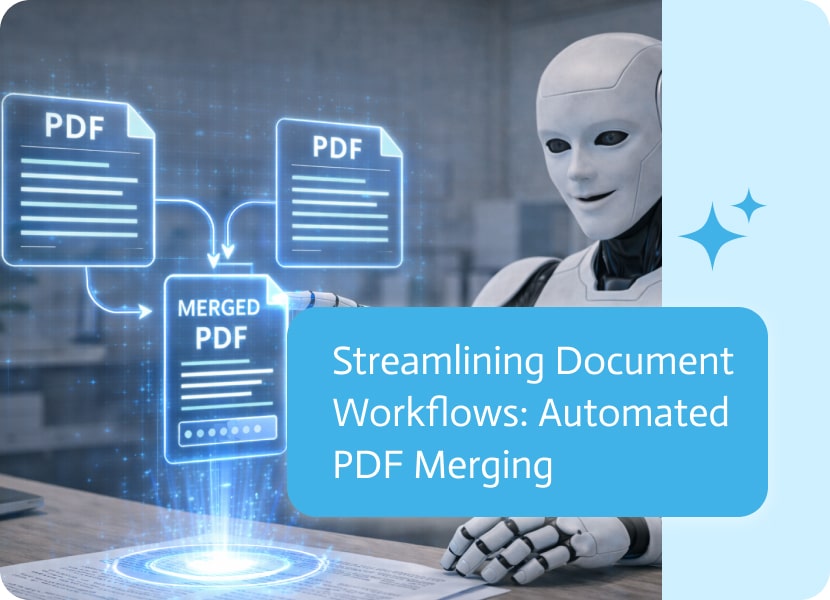

Streamlining Document Workflows: Automated PDF Merging
Managing multiple documents is a common challenge in any automated workflow. Whether you are collecting receipts, compiling reports, or organizing legal filings, fragmented files can slow down productivity and create unnecessary clutter. The ability to automatically combine separate PDF files into a single, professional output is a vital tool for any modern AI agent.
The Power of Automated Consolidation
Manual document assembly—downloading individual files, using external editors to stitch them together, and re-uploading them—is a significant bottleneck. By automating this process, your AI can take inputs from various sources and organize them instantly. This ensures that the final result is a single, easy-to-read file rather than a long list of attachments.
This is particularly useful for:
- Onboarding Packages: Combining a signed contract, a copy of an ID, and a company handbook into one unified employee file.
- Monthly Financials: Merging separate invoices and expense reports into a single consolidated billing PDF.
- Project Documentation: Gathering various technical specifications, diagrams, and summary sheets into one cohesive project brief.
Why Automated Merging Matters
The goal of high-functioning AI is to reduce manual “busy work.” Utilizing automated merging provides several key benefits:
- Efficiency: Tasks that once required human intervention are handled entirely by the platform, allowing AI workers to move from one step to the next without pausing for manual cleanup.
- Organization: Keeping related data in one file makes it much easier for both bots and human users to navigate, share, and archive information.
- Professionalism: Delivering a single, well-structured document to a client or manager provides a superior experience compared to sending multiple separate links.
Smarter File Management
By removing the friction of document logistics, you allow your web app or chat interface to focus on what matters: the content. Whether it’s a simple two-page merge or a complex compilation of dozens of files, automating the consolidation process ensures your output is always clean, organized, and ready for action.
In today’s rapidly evolving business landscape, Customer Relationship Management (CRM) has become the cornerstone of successful enterprises. As organizations strive to deliver exceptional customer experiences…

There are some rivalries that are easy to see coming, like Apple vs. Samsung, Coke vs. Pepsi, and Messi vs. Ronaldo. And then there are…
A Credit Memo in NetSuite is used to lower the amount a customer owes your business. It serves as a way to reverse charges that…