


Using AI Flow Builder for Salesforce Account Engagement with Salesforce and Slack
Salesforce account engagement usually starts earlier than anyone admits. The moment an account is created, downstream teams begin forming expectations: is this a new customer, a partner, a prospect worth warming up, or just another record someone will forget they made. If Customer Success finds out late, “engagement” turns into cleanup.
This use case supports salesforce account engagement by notifying the Customer Success team the moment a new account is created. When an account is created in Salesforce, an automation sends a Slack message to a Customer Success channel (or a defined group). The message can include the account name, owner, segment, region, lifecycle status, and any custom fields that help CS decide what to do next.
Noca runs this using an ai automation agent that listens for Salesforce account creation events and routes the notification into Slack. Teams can generate the workflow using a prompt to flow experience or build it visually with the ai flow builder, choosing the Salesforce trigger, selecting the Slack destination, and mapping account fields into the message. For platform context, visit https://noca.ai/. If you want the prompt-driven path to building flows like this, see https://noca.ai/prompt-to-flow/.The result is a tighter account engagement motion: Customer Success gets immediate visibility, the right context arrives in Slack, and Salesforce remains the system of record. It’s practical ai automation that prevents accounts from becoming “someone else will handle it” artifacts.

If you’re reading this, then you’re probably already familiar with vibe coding, the almost magical method of creating software in which you simply speak your…

What is Vibe Coding? Vibe Coding is one of Noca AI’s game-changing feature. It lets you build Salesforce automations by simply describing what you want…
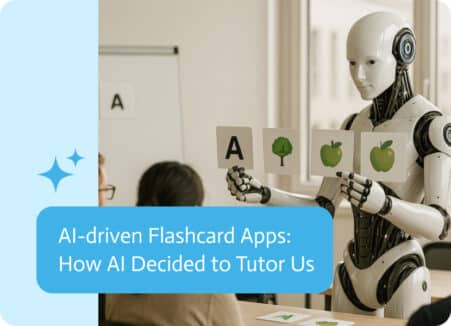
Flashcard applications powered by AI are modern study aids that enhance the efficiency and personalization of learning through the application of artificial intelligence. Unlike traditional…