
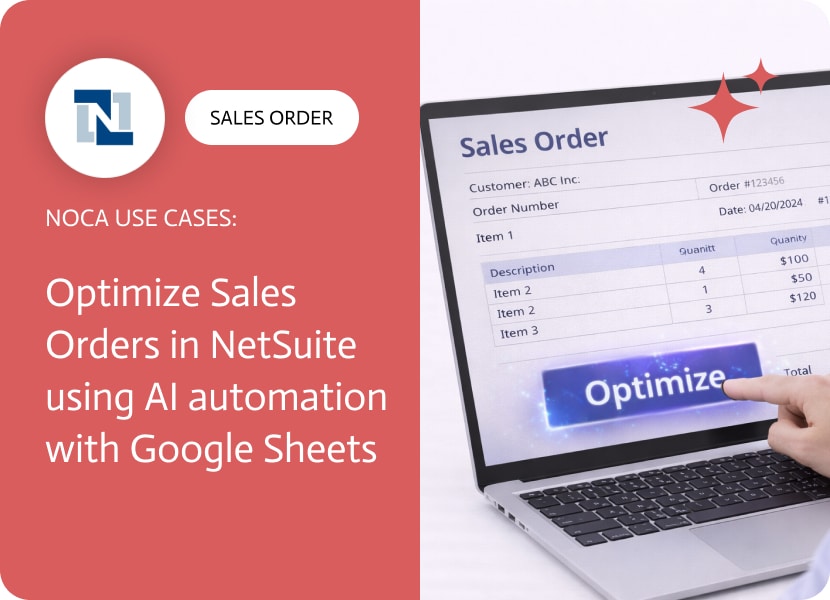

Optimize Sales Orders in NetSuite using AI automation with Google Sheets
A sales order NetSuite record is rarely complete after creation. Totals get adjusted, items change, shipping dates move, approvals update, and someone always needs a quick view of what changed without opening the ERP. That is why teams keep building spreadsheets for operational tracking, even when the official record lives in NetSuite. If you are searching for NetSuite sales order export, track NetSuite sales order changes, or NetSuite to Google Sheets integration, the underlying need is a simple change log.
This use case turns sales order edits into a live spreadsheet feed. When a sales order is updated or edited in NetSuite, Noca appends a new row in a specific Google Sheet. The row can include sales order number, customer, status, total, subsidiary, location, ship date, edited timestamp, and any fields your team monitors. If you want the sheet to act as an audit style log, you can also include who made the change and a short summary based on the fields that were updated.
In Noca, you can set this up as an event driven pipeline from NetSuite to Google Sheets. Choose a NetSuite sales order updated trigger, add a Google Sheets create row action, then map sales order fields into your sheet columns. Add filters so the sheet only logs meaningful updates, like status changes, value changes, or date changes, instead of every minor edit. For the platform overview, use https://noca.ai/. To generate this workflow from a prompt, use https://noca.ai/prompt-to-flow/.
The result is a lightweight operational view that stays current. NetSuite remains the system of record, Google Sheets becomes the shared change log, and teams stop relying on manual exports to keep up with sales order activity.
In the fast-moving world of digital products, a brand’s visual identity can evolve quickly. Traditionally, updating the look and feel of a web app meant…
Workato is a powerful integration platform as a service (iPaaS) designed to streamline and automate workflows across diverse applications and systems. It connects both cloud-based…

IT automation refers to the use of technology-based systems, scripts, or software to carry out certain repetitive IT activities without needing any human intervention. A…