


Release Notes – Feb 12, 2026
A few new improvements are here for Apps and Docs to help streamline your work. Enjoy the update!
Apps
Features
- Generate PDFs Directly from Apps
Noca Apps can now generate PDFs directly without requiring a database. This feature allows you to create documents, such as generating a Word-based template and exporting it as a PDF, straight from the app without routing data through Salesforce, NetSuite, or other platforms.
Enhancements
- Smarter Background Color Detection
Apps now recognize the background color when generating UI elements and avoid placing elements with the same color on top of it. This enhancement helps maintain better visibility and improves the overall design of generated interfaces.
Docs
Features
- Add Word Templates Directly from Flow
You can now add a Word template directly from within the Flow, without using the Word add-in. This feature makes it easier to create and manage document templates as part of your workflow setup.
HubSpot Appointment Objects
Custom Data Schema The HubSpot Appointment Objects feature is a smart application like Noca Ai to manage customer data within the CRM. It provides flexibility…
Learn more about: HubSpot Appointment Objects
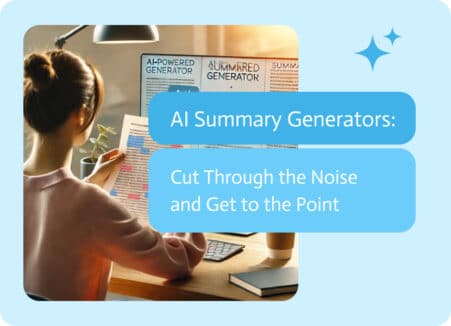
AI Summary Generators: Get straight to the Point
We are living in the era of information overload. With numerous reports, lengthy articles, meeting notes, and research papers, it can be overwhelming to keep…
Learn more about: AI Summary Generators: Get straight to the Point
A Quick Look at Inventory in SAP:
Core Identifiers At the heart of SAP’s inventory management are three mandatory fields: Quantity and Measurement To ensure consistency in tracking and reporting, SAP uses:…
Learn more about: A Quick Look at Inventory in SAP:
Back to top