
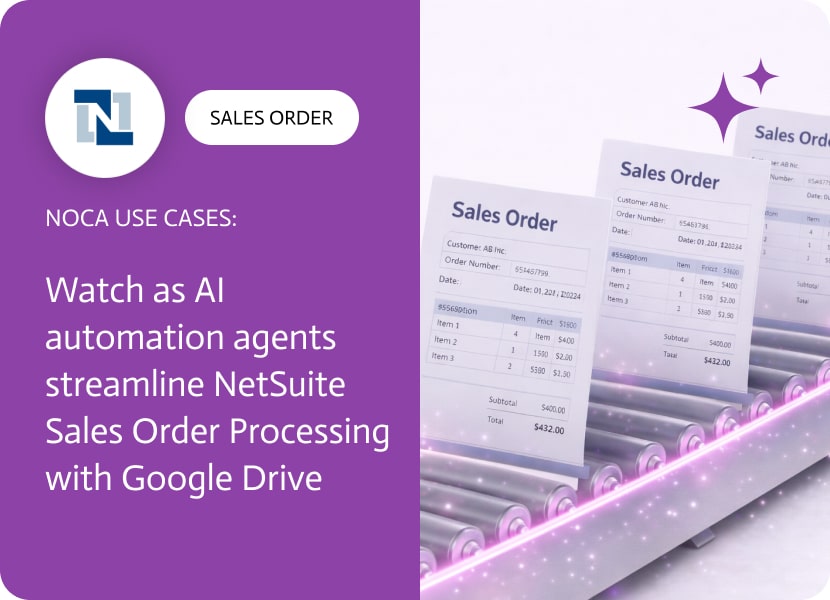

Watch as AI Automation Agents Streamline NetSuite Sales Order Processing with Google Drive
NetSuite sales order processing depends on having the right documents organized from the start. Once a sales order is created, teams generate confirmations, packing slips, invoices, SOWs, and internal spreadsheets, and those files need a predictable home. Without a consistent folder created at creation time, documents end up scattered across drives and shared spaces, which slows fulfillment and makes later review harder. Common searches for this include automate NetSuite sales order processing, create Google Drive folder from NetSuite, and NetSuite to Google Drive integration.
This use case creates a structured workspace automatically. When a sales order is created in NetSuite, Noca creates a Google Drive folder in a predefined location for that order. The folder name can include the sales order number and customer name, and you can also create subfolders for docs like order confirmation, fulfillment, billing, and supporting files. This gives sales order processing a consistent document trail from day one, without relying on manual setup.
In Noca, this is an event driven workflow you can generate from a prompt or build visually. Choose a NetSuite sales order created trigger, add a Google Drive create folder action, then map sales order fields into the folder name and destination path. If your folder structure depends on subsidiary, location, or order type, add routing conditions so folders land in the correct shared drive area. Explore the Noca platform at https://noca.ai/ and generate workflows with Prompt to Flow at https://noca.ai/prompt-to-flow/.
The result is cleaner sales order processing: NetSuite remains the system of record, Google Drive becomes the shared workspace, and teams stop wasting time recreating structure for every order.

What is Mulesoft and How Can It Enhance Payment Processing Integration? Mulesoft is a leading integration platform as a service (iPaaS) that streamlines and automates…
Within NetSuite, the Customer record is important for managing individuals or companies that purchase goods and services from your business. This record allows client applications…

In the world of digital technologies, many people use artificial intelligence. It is becoming a real force in the success of optimization and error minimization….