
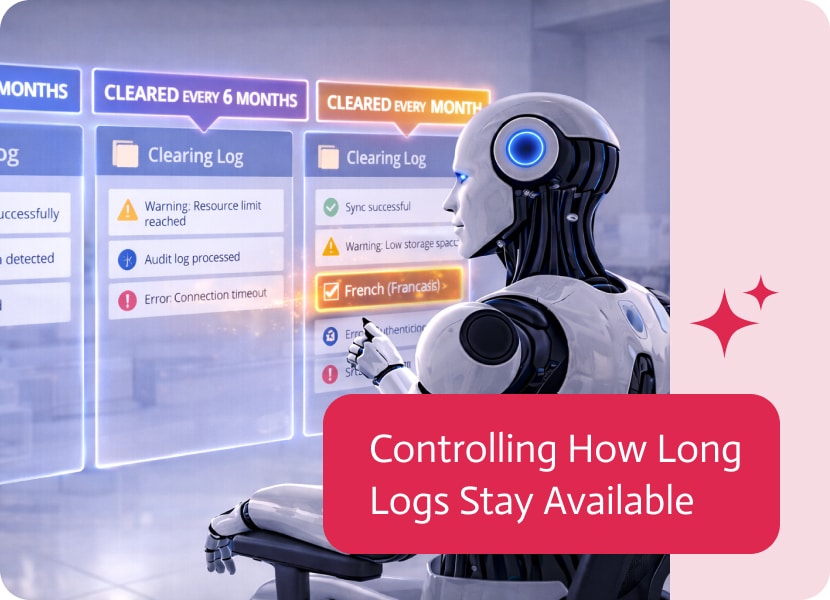
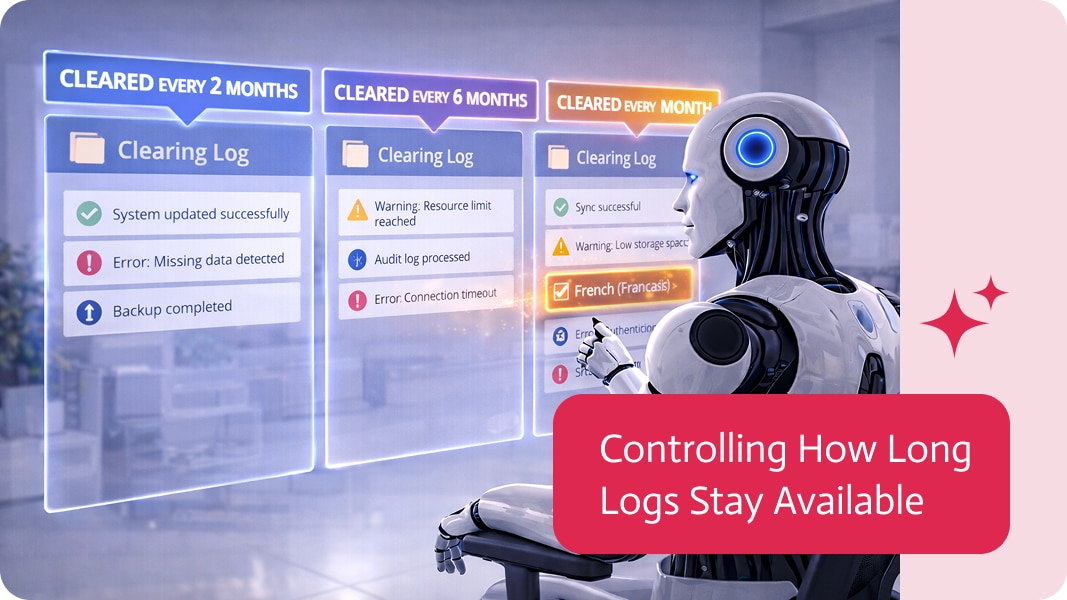
Controlling How Long Logs Stay Available
Every system produces logs.
Account activity, integrations, API calls, events—each one records something that happened at a specific moment in time. Over time, these logs build up into a detailed history of system behavior.
But not every log needs to stay forever.
When Logs Keep Growing
As systems operate over time, logs naturally accumulate.
What starts as useful operational history can slowly become a large volume of stored data. Some logs remain relevant for long-term tracking or auditing, while others are only useful for a short period after they are created.
But not every log is meant to stay forever.
Defining How Long Each Log Should Stay
Different types of logs can now follow different storage durations.
For each log type—such as account, integration, API, and event logs—you can define how long it should remain accessible.
Each category can have its own timeline, depending on how long that information is actually needed.
When Logs Naturally Disappear
Once a log reaches the end of its defined period, it is no longer kept.
Logs follow a natural lifecycle: they are created, used while relevant, and eventually removed when they no longer serve a purpose.
This avoids the need for manual cleanup or ongoing maintenance decisions.
Why Log Duration Matters
Managing how long logs remain available is not only about storage.
It reflects how different types of system activity have different value over time. Some information is important immediately but quickly loses relevance, while other data may need to be kept longer for review or compliance.
Recognizing this difference helps structure system history more intentionally.
Keeping System History Focused
Instead of treating all logs as equally permanent, each one can follow its own natural lifespan.
This keeps system history focused on what matters most—preserving relevant information for as long as it is useful, and letting the rest fade away when it no longer adds value.

Using artificial intelligence helps to achieve a significant breakthrough in scalability. Modern enterprises rely on real-time analytics and traceability. The right approach allows us to…

Anyone who’s ever used Salesforce is fully aware of just how helpful a tool it is for keeping track of everything customer-related. It can do…
In today’s customer-centric world, providing seamless and efficient customer support is critical to business success. As companies expand their customer service operations across multiple channels,…