
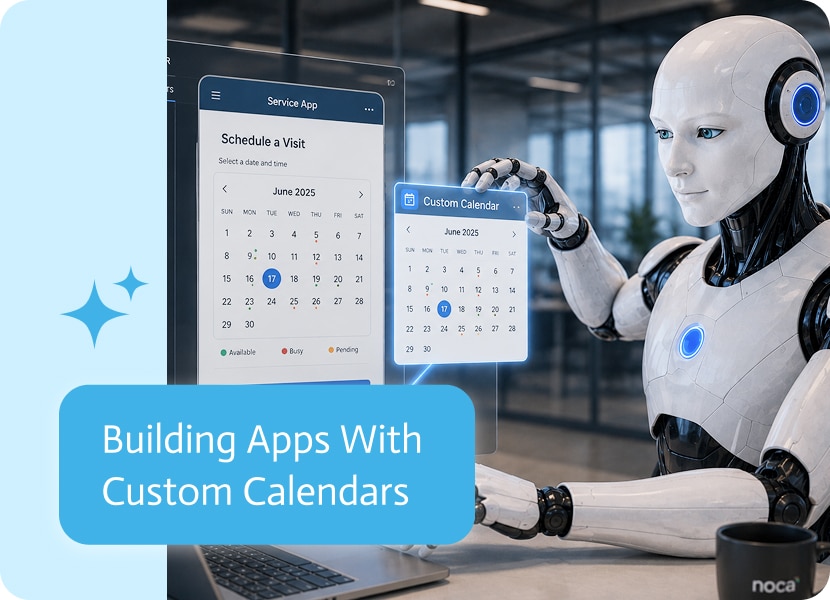

Building Apps With Custom Calendars
A lot of business processes depend on dates. Appointments, visits, schedules, events, bookings, field work, service calls, and follow-ups all need a clear way to show what is happening and when.
That is where custom calendars inside apps become useful. Instead of relying on a separate calendar tool, the app can include its own calendar experience, designed around the process it needs to support.
Why Custom Calendars Matter
Not every calendar needs to behave like a standard personal calendar.
A sales visit calendar may need to show customer names, locations, and visit statuses. A service calendar may need to show technician assignments and job details. A booking calendar may need to show available slots, approvals, and capacity.
Using a custom calendar makes it possible to match the calendar to the actual business process, instead of forcing the process into a generic calendar view and hoping nobody notices. They will.Which is technically possible, yes. So is walking everywhere. We invented better options for a reason.
Calendar UI Built Into the App
When a calendar is created as part of an app, the calendar can match the app’s design, brand, and user experience.
That means the calendar can look and feel like part of the same product, not like an external widget awkwardly dropped into the page.
The app can include calendar views for things like:
- Schedules
- Appointments
- Customer visits
- Bookings
- Events
- Tasks
- Field service work
- Date-based approvals
The result is a cleaner experience for users because everything happens in one place.
Logic That Matches the Process
A custom calendar is not only about how it looks. The logic matters just as much.
For example, a calendar may need to show only available time slots, block certain dates, trigger a workflow when an appointment is selected, update a record when an event changes, or display different information based on the user’s role.
That kind of behavior is hard to get from a plain calendar embed. A custom calendar can be built around the exact logic the app needs.
Less Switching Between Tools
Without a calendar inside the app, users often need to jump between the app, a calendar tool, a spreadsheet, an email thread, and probably one forgotten shared document called “Schedule Final Updated.xlsx.”
A built-in calendar reduces that back-and-forth.
Users can view dates, choose times, manage schedules, and continue the process inside the same app experience. It is cleaner, faster, and much less likely to become a tab-management tragedy.
A Better Fit for Real Business Apps
Business apps often need calendars, but not always in the same way.
Some need a simple date view. Others need complex scheduling logic. Some need appointments connected to customers. Others need visits connected to field teams, approvals, or documents.
Custom calendars make apps more flexible because the calendar can be shaped around the process, the brand, and the user experience.
In simple terms: the calendar is not just added to the app. It becomes part of how the app works.
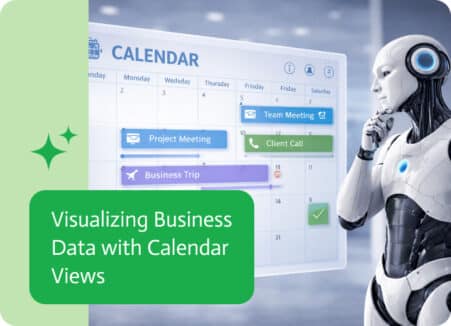
In many organizations, important business activities are closely tied to time. Sales meetings, project milestones, customer follow-ups, delivery schedules, and financial events all happen on…

Customer-support automation uses technology to tackle common customer-service chores without requiring a live person on every call or chat. Think AI chat bot, artificial intelligence,…
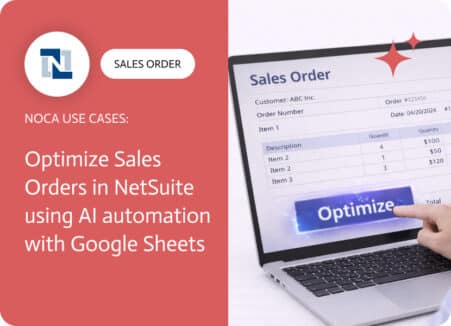
A sales order NetSuite record is rarely complete after creation. Totals get adjusted, items change, shipping dates move, approvals update, and someone always needs a…