

How to Build a Prompt-to-App Portal for Zendesk Workflows
Zendesk is built for support agents, not for partners and external teams. Those users still need to see case status, add context, and stay aligned, but handing out Zendesk seats is expensive and rarely worth the admin overhead. A prompt to app portal gives them the access they need without dumping them into the full Zendesk experience.
The use case is a branded Zendesk portal for external users who want to view and work cases without logging into Zendesk itself. With a simple prompt, Noca generates a production ready interface that matches your branding and lets partners see open cases, view case details, and interact with tickets in a controlled environment. If you are searching for a Zendesk customer portal alternative, partner ticket portal, or ai app generation for support workflows, this is a practical web application via prompt that removes friction without removing governance.
In Noca, you start with prompt to app and describe the portal, the user roles, and the Zendesk case actions you want to allow, then select your Zendesk integration when Noca detects it. Noca proposes field mapping between the app and Zendesk, like ticket subject, status, priority, requester, comments, and attachments, and you can confirm or adjust those mappings so the portal behaves the way your process expects. The destination actions are reading tickets, updating ticket fields, and posting comments back to Zendesk, while conditions and routing enforce permissions and workflows, like restricting who can change status, requiring certain fields before escalation, or routing certain case types to different views. And if you want to connect the portal to broader workflows, you can pair it with prompt to flow or the visual builder to trigger notifications, create CRM cases, or sync key fields into Salesforce.
The outcome is a secure, branded Zendesk experience that partners will actually use because it is purpose built for them, not for internal agents. You reduce licensing pressure, keep ticket collaboration clean, and give external users a straightforward way to stay in sync without creating a new support inbox on the side. To explore Noca, visit https://noca.ai/ and learn more about prompt to app at https://noca.ai/prompt-to-app/ .
In today’s competitive marketplace, exceptional customer service isn’t just a perk, it’s a necessity. Customers expect seamless, personalized interactions across every touchpoint. For businesses, meeting…
As conversational bots become more integrated into business systems, controlling who can access them and from where becomes increasingly important. Bots often interact with sensitive…
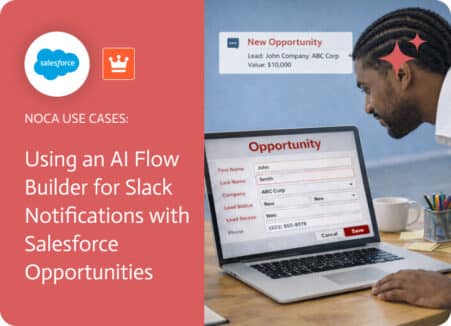
Creating an opportunity in Salesforce is a critical moment in the sales process because it signals that a deal has real potential. While the opportunity…