
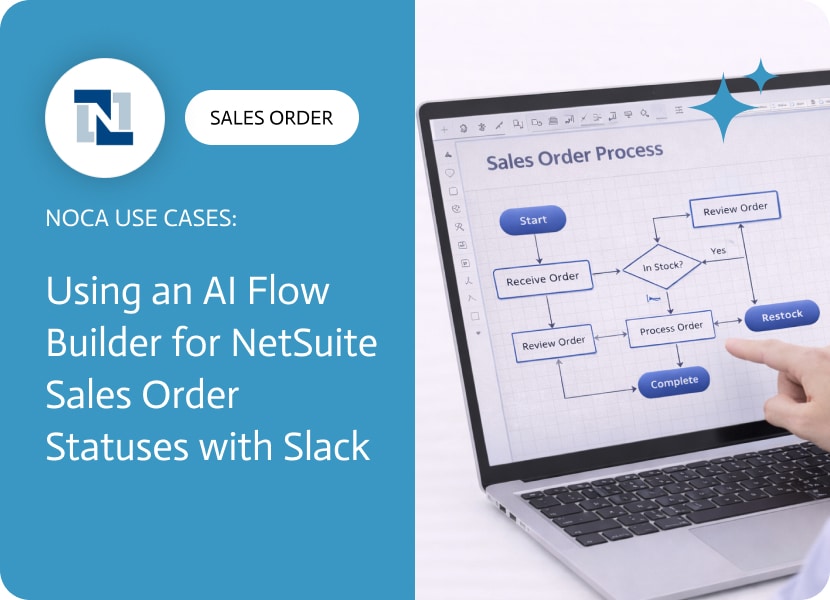

Using an AI Flow Builder for NetSuite Sales Order Statuses with Slack
A NetSuite sales order approval workflow exists to protect margins, reduce risk, and prevent avoidable downstream work. Approvals catch discount exceptions, unusual terms, non standard items, credit concerns, and orders that need an extra set of eyes before fulfillment and billing start. Once an order moves forward, reversing it is expensive, so the approval step is where the business enforces the rules that keep operations predictable.
This use case adds immediate visibility when a sales order edit should trigger an approval response. When a NetSuite sales order is edited, Noca triggers a workflow that posts a Slack message to the relevant person or team. The message can include the sales order number, customer, total, status, who edited it, and any approval related fields that indicate what changed. You can route messages differently for order value thresholds, subsidiaries, or specific statuses so the alert reaches the correct approver.
In Noca, connect a NetSuite sales order updated trigger to a Slack send message action, then add conditions that reflect your approval logic. For example, notify only when the approval status changes, when the order total crosses a threshold, or when a flag field indicates approval is required. Map sales order fields into the Slack message so the approver gets context without opening NetSuite. See what Noca supports at https://noca.ai/ and generate this workflow using Prompt to Flow at https://noca.ai/prompt-to-flow/.
The result is faster approval turnaround without changing your approval rules. NetSuite remains the system of record, Slack becomes the notification layer, and edits that require approval get surfaced immediately with the context the approver needs.

Introduction to MuleSoft for Productivity Tools Integration Mulesoft, a leading integration platform as a service (iPaaS), is designed to connect and orchestrate various applications and…

A monday CRM software review tends to surface a practical question: which system is allowed to change the deal. Many teams run their day to…

Businesses today depend on many apps, databases, and systems to operate. Customer relationship management (CRM), enterprise resource planning (ERP), marketing tools, and cloud storage create…