
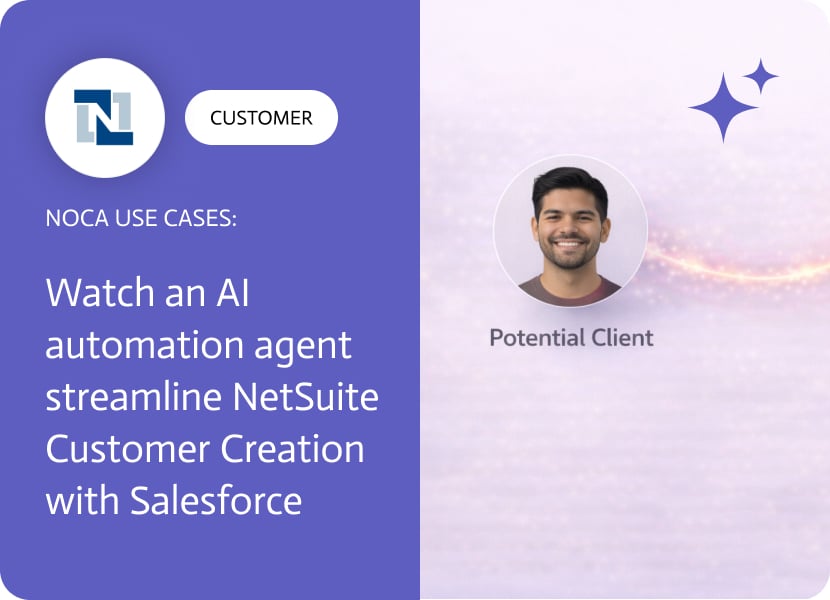
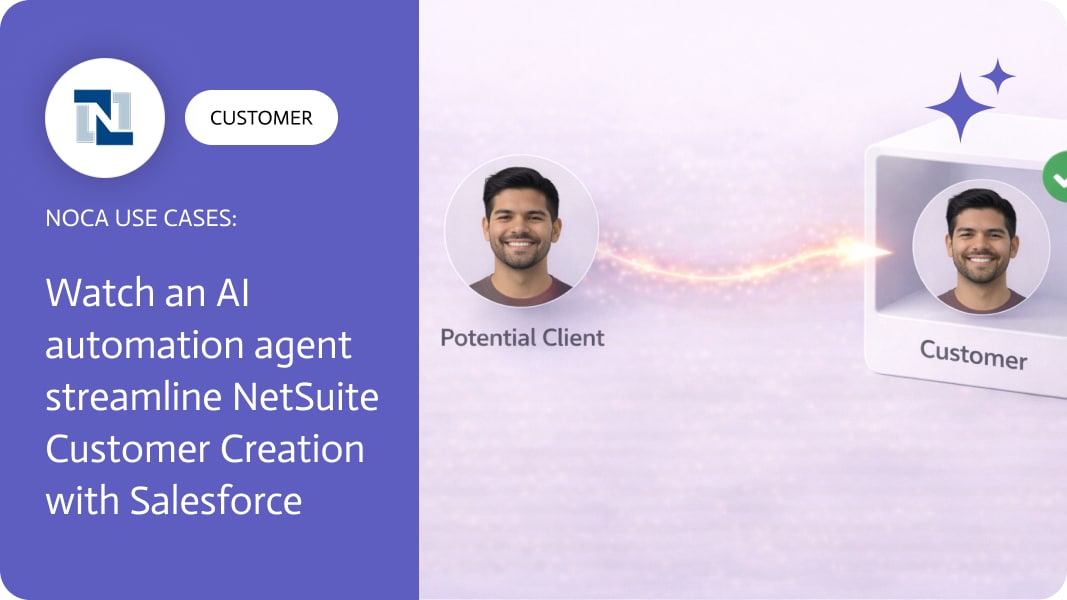
Watch an AI automation Agent Streamline NetSuite Customer Creation with Salesforce
NetSuite customer updates are often the real source of truth for billing status, subsidiaries, terms, and operational fields. The problem starts when Salesforce accounts drift away from that truth, which breaks reporting, segmentation, and customer visibility for teams living in the CRM. If you are searching for NetSuite to Salesforce integration, sync NetSuite customer to Salesforce account, or update Salesforce account from NetSuite, the core requirement is straightforward: a change in NetSuite should update the matching account in Salesforce automatically.
This workflow does exactly that. When a NetSuite customer record is changed, Noca identifies the corresponding Salesforce account, reads the current account data, and then updates the Salesforce account record with the latest values. You can map customer master data fields like customer name, status, billing address, region, subsidiary, payment terms, segment, and external IDs. The result is reliable customer master data sync without asking teams to reconcile two systems manually.
To configure it in Noca, you can use prompt to flow or the ai flow builder. Start with a NetSuite customer updated trigger, add a lookup step to find the matching Salesforce account using a stable identifier such as an external ID, then read the account and apply an update action with the mapped fields. Add conditions if you only want specific changes to sync, for example status or terms updates. For platform context, use https://noca.ai/ and for generating this kind of workflow from a prompt, use https://noca.ai/prompt-to-flow/.
The payoff is cleaner CRM data and fewer “which system is correct” debates. NetSuite stays authoritative for customer changes, Salesforce stays current for customer facing teams, and an ai automation agent handles the sync quietly in the background.

So you’re thinking about creating a website, an app, a virtual storefront, or even a digital playground. Despite having well-planned colors, buttons, and flows, users…
NetSuite ERP Integration connects NetSuite’s cloud-based ERP system with other tools and platforms. This integration improves workflows, streamlines operations, and offers better visibility into business…
NetSuite is not the place you want casual users wandering around. Many teams only need a few specific actions, like looking up customers or checking…