

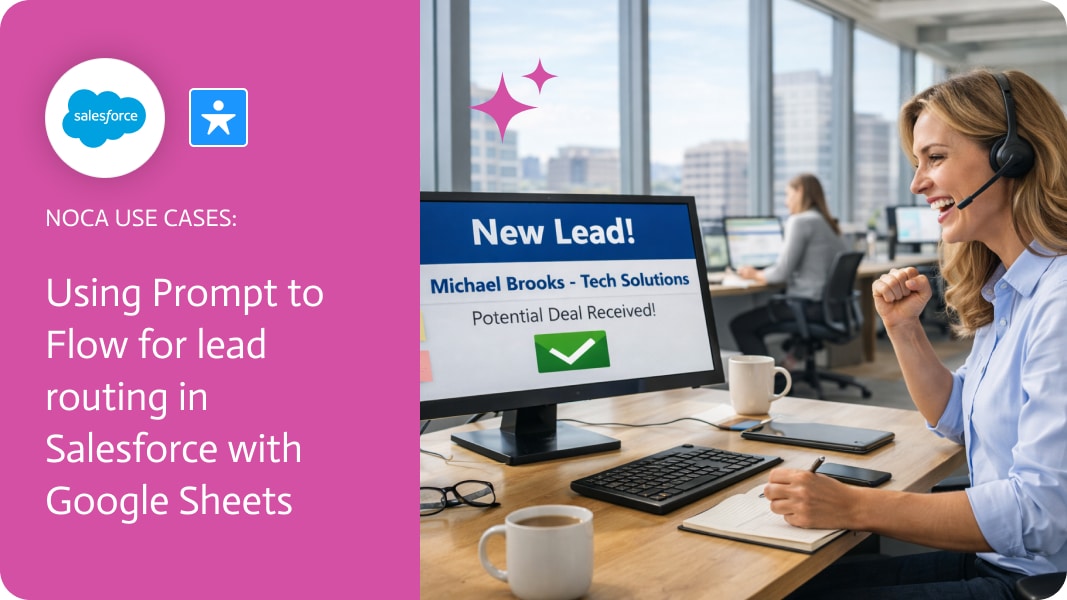
Using Prompt to Flow for lead routing in Salesforce with Google Sheets
Lead Routing Salesforce
Lead routing in Salesforce often extends beyond Salesforce itself. Many teams rely on Google Sheets to review, enrich, or route leads using external logic, reporting, or partner workflows. When leads are created in Salesforce, getting that data into a shared, structured format quickly and accurately becomes essential. This is where Lead Routing Salesforce workflows benefit from automation that connects Salesforce directly to the rest of the stack.
In this use case, a new lead created in Salesforce automatically generates a new row in a Google Spreadsheet. Key lead fields such as name, company, email, source, and owner are mapped directly from the Salesforce lead record into predefined spreadsheet columns. The result is a real-time data handoff that keeps Google Sheets continuously in sync with Salesforce lead creation, without exports, manual entry, or brittle scripts.
Noca makes this workflow easy to build using an ai flow builder designed for speed and flexibility. Teams can use a prompt to flow approach to generate the automation from plain language, or create it manually using visual nodes. Salesforce acts as the trigger, Google Sheets as the destination, and field mapping defines how lead data is written into each row. This pattern fits naturally into broader ai automation strategies without forcing changes to Salesforce itself.The outcome is a clean, dependable lead routing layer that supports downstream workflows in Google Sheets while Salesforce remains the system of record. Whether used for operational routing, analysis, or collaboration, this prompt automation approach reduces friction and improves lead visibility with minimal setup.
For an overview of the platform go to https://noca.ai/. For the prompt based workflow builder, take a look at https://noca.ai/prompt-to-flow/.
What is Workato? Workato is a leading integration platform as a service (iPaaS). It enables businesses to automate workflows across various applications and systems. By…

Artificial intelligence is known for its ongoing transformation. Many companies use it for automation and planning. Today, 10 trends for 2025 are worth paying attention…
Keeping track of important meetings and other events is crucial for ensuring your business runs smoothly. The Salesforce Event object represents scheduled calendar events such…