
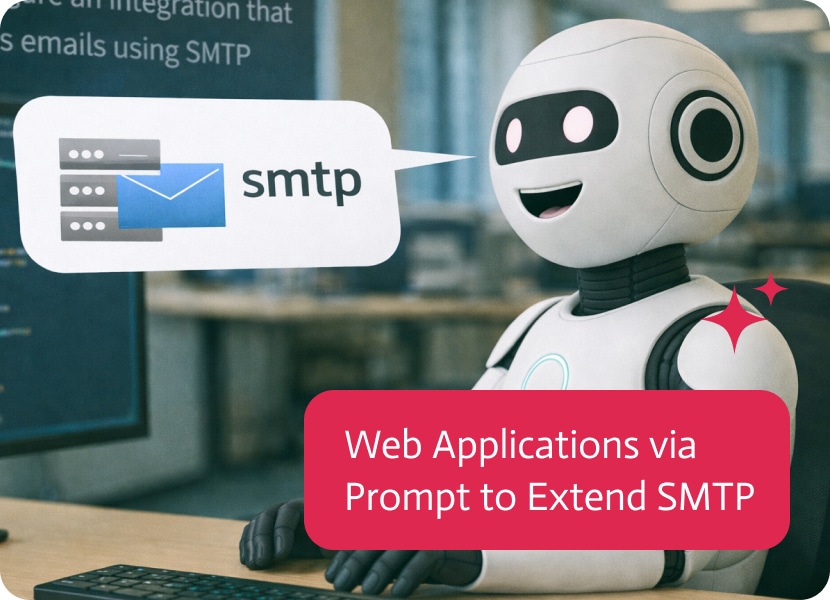

Web Applications via Prompt to Extend SMTP
SMTP is everywhere and almost nobody wants end users touching it directly. Most teams either funnel everything through a shared mailbox or ship people off to whatever email client IT approves, then wonder why “send an email with the right attachment” turns into a small procedural saga. A web application via prompt is a cleaner approach: give users a controlled interface that sends through your existing SMTP setup without turning email into another permission headache.
The use case is a lightweight email sending app that uses an existing SMTP integration and supports attachments. The prompt defines the basics: To, CC, subject, body, a place to upload one or multiple files, a list that displays attachments, and the ability to remove attachments before sending. Noca generates a branded, production ready interface so employees, partners, or customers can send emails through your SMTP provider without needing special configuration on their device. If you are searching for an SMTP email portal, an attachment enabled email app, or ai app generation for internal tools, this prompt to app workflow is a direct route to something usable.
In Noca, you start with prompt to app and describe the email UI and behaviors, then select your SMTP connection when Noca detects the required integration. Mapping connects the form fields to the SMTP send payload, like recipients, CC, subject, body, and file objects for attachments, and the destination action sends the email via SMTP using your configured provider. Conditions and routing are where this becomes safe and operational: validate email formats, require subject and body, limit attachment size or type, and route sends through different SMTP accounts based on user role or department. If you want more than “send,” you can also pair it with prompt to flow or the visual builder to add triggers, conditions, mapping, destination actions, and routing for things like logging the email in Salesforce, creating a Zendesk ticket, or notifying Slack when certain templates are used.
The outcome is a clean email interface that is easy for users and predictable for operations. You keep SMTP as the backbone, but you stop relying on every user to configure a client correctly, and you get consistent behavior around attachments and validation. To learn more about Noca, visit https://noca.ai/ and explore prompt to app at https://noca.ai/prompt-to-app/ .

Intent data can be compared to intercepting a conversation on the internet “legally”, of course. It is the visible evidence searchers leave behind when exploring…
Customer service leaders have wanted the same thing for years: a clean way to capture every request, route it to the right person, meet response…
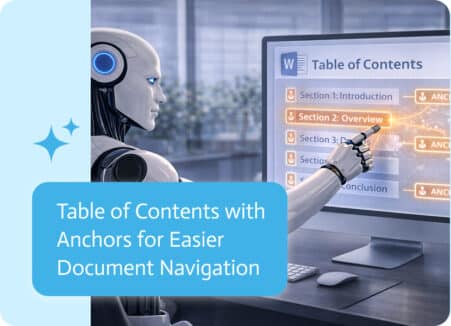
Some documents start simple.A few pages, a clear structure, and a straightforward flow from beginning to end. In those cases, finding information is easy—you just…