
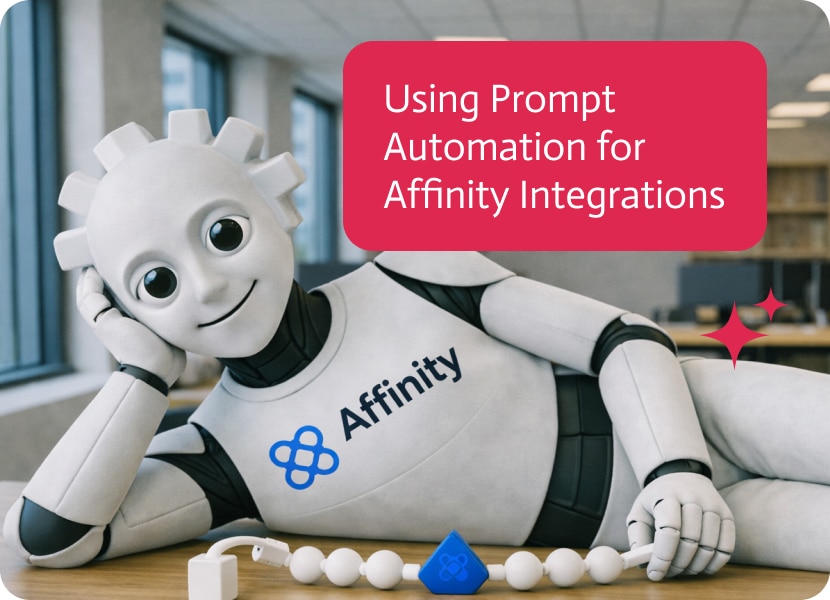

Using Prompt Automation for Affinity Integrations
Affinity can be doing its job perfectly and you still miss the moment. A new organization gets created, the team meant to follow up, and nothing happens because the signal stayed inside a CRM tab nobody is staring at all day. Prompt automation matters because it moves the alert to where decisions actually get made, without adding another manual “someone should tell the team” step.
The use case is a simple Affinity to Slack workflow that notifies your team when a new organization is created in Affinity. In the video, a new organization is added, Noca detects the event, and Slack receives a message right away so someone can act while the context is still fresh. You can also include extra fields like the organization URL, owner, or tags so the message is more than just a name. If you are looking for Affinity Slack integration, Affinity automation, or prompt automation that surfaces new accounts immediately, this is the cleanest starting point.
In Noca, you can generate this with prompt to flow as an ai flow builder, or build it in the visual builder if you want to tune the logic by hand. The trigger is an Affinity organization created event, with conditions that filter what should notify, like specific lists, tiers, industries, or owners. Mapping pulls the organization name, domain, URL, and any metadata you want in the Slack message, then the destination action posts into the right Slack channel or directly to a person. Routing is where you keep it useful: route high value accounts to a focused channel, route incomplete records to a cleanup step, and avoid blasting everyone for low signal creations. It is an ai automation agent in the practical sense, clear trigger, conditions, mapping, destination action, and routing.
The outcome is faster follow up with less internal thrash. You do not need someone to play human webhook, and your team stops learning about new accounts by accident. If you want to see what else Noca can connect, start at https://noca.ai/ and dig into prompt to flow at https://noca.ai/prompt-to-flow/ .

In today’s fast-moving digital world, chatbots have gone from being a cool thing to a must-have. If you’re running a business, trying out automation, or…
Introduction Cartoons and animations have always been a form of mainstream entertainment for millions of people, from timeless Disney classics to hilarious cartoons on Cartoon…
Salesforce is the cool, popular kid in school, while Microsoft Dynamics is the serious one who runs the math club and the student council and…