
When we started looking for an automation and integration solution for our nonprofit, we needed something simple — no developers, no enterprise-level budgets.
With NOCA, I managed within a few hours (completely on my own) to connect Salesforce, Gmail, and WhatsApp, and build four integrations that replaced manual processes.
I had never used the platform before — but the AI-guided interface made everything clear and accessible. And suddenly, things I thought required an entire team… just worked.
If you’re a nonprofit or social organization that needs to move fast — I highly recommend checking out NOCA.

From Prompt to Doc:
AI Generating Documents
Turn instructions into complete, accurate documents. Docs handles the reading, filling, merging, signing, and exporting so you don’t have to.
Schedule a Demo
Watch a 1-Minute Video
Turn Document Chaos
into Document Flow
Replace the chaos of editors, converters, plugins, and manual fixes. Noca builds documents that understand your data, your logic, and your workflows from the start.

The Real Power Behind Noca Doc
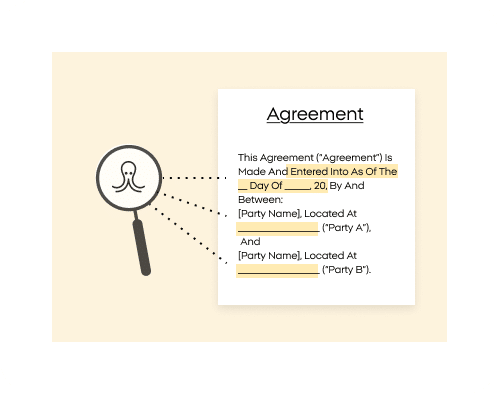
Intelligent Doc Reading
Noca reads and understands your files – and actually answers your questions about them.
Effortless PDF Handling
Combine files, convert formats, and generate polished PDFs in one place.
Reliable Data Extraction
Pull structured data out of PDFs like it was always meant to be accessible. No more copy-paste archaeology.
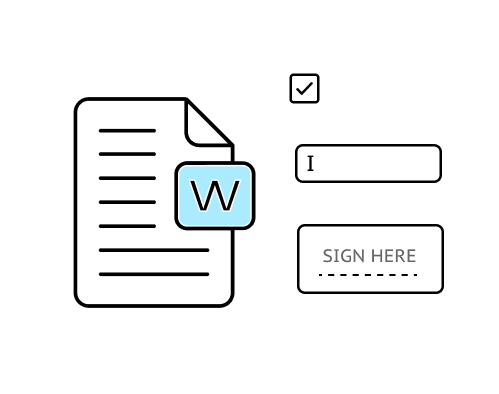
Smart Process Templates
Create Word templates with fields and logic, and generate them anywhere in NOCA.
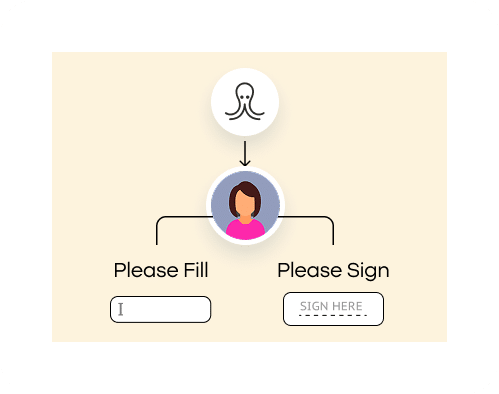
Automated Form Filling
Smart forms—filled, signed, and ready to generate across NOCA
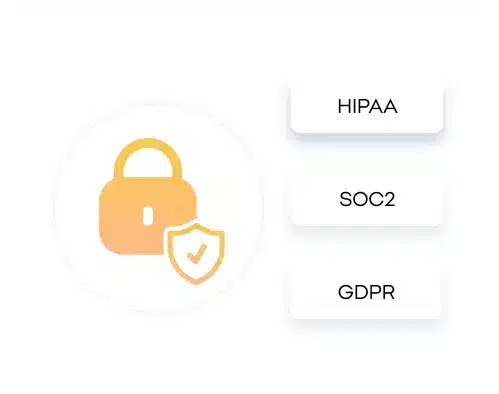
Security Built In
Access, generation, and storage all stay locked down so your data never wanders
Docs for Every Vertical
Discover how organizations generate intelligent, connected documents that move faster—and work smarter—than traditional workflows ever allowed.

Automate Documents Without the Paper Chase
Build dynamic contracts, NDAs, agreements, and filings that update themselves with the right data and logic. Generate watertight docs on demand—and skip the endless version chaos.

Create Secure, Compliant Documentation Without the Hassle
Automate forms, intakes, summaries, and patient communications. Generate accurate, compliant documents on demand—securely and without drowning teams in paperwork.

Produce Claims and Policy Docs That Don’t Slow You Down
Automate policy updates, claim forms, statements, and compliance paperwork. Generate accurate, logic-driven documents that reduce manual review and speed up decisions.

Streamline Academic and Administrative Documentation
Build templates for admissions, transcripts, forms, letters, and reports. Generate personalized documents on demand so staff can spend time on students—not paperwork.

Generate Docs That Help Deals Move Faster
Create proposals, quotes, contracts, and renewals in seconds—not hours. Pull data from anywhere in Noca, auto-fill details, and generate polished documents your reps can send immediately.




Explore How AI-Powered Documents Reshape Business Processes

Frequently Asked Questions

What can I do with Noca Docs?
Noca Docs lets you generate smart, dynamic documents using templates with fields, logic, loops, and signatures. You can fill PDFs, merge files, convert documents to PDF, extract data, and generate new files from anywhere in your flows.
Can Noca read my documents and answer questions?
Yes. Upload PDFs or files, and Noca will analyze them so you can ask questions directly—getting clear, context-aware answers instead of skimming through pages.
Can I merge multiple PDFs into one?
Absolutely. Combine as many PDF files as you need into a single, clean output—no formatting battles, no tedious reordering.
Can I extract data from a PDF?
Yes. Noca can pull structured information out of PDFs, making it easy to reuse data in your templates, workflows, or automations.
Does Noca support converting documents into PDF?
It does. Upload DOC or DOCX files and instantly generate polished, ready-to-share PDFs.
Can I auto-fill forms and add signatures?
Yes. Populate fields, apply signatures, and generate completed forms automatically. Everything can be triggered from any point in your Noca workflow.
How do Word templates work in Noca?
You can build templates with merge fields, logic conditions, loops, textboxes, and signature blocks. Once created, these templates can generate documents dynamically from any workflow.
Are generated docs secure?
Noca keeps your files encrypted and protected throughout the entire process—upload, generation, and download—so sensitive information stays in the right hands.