
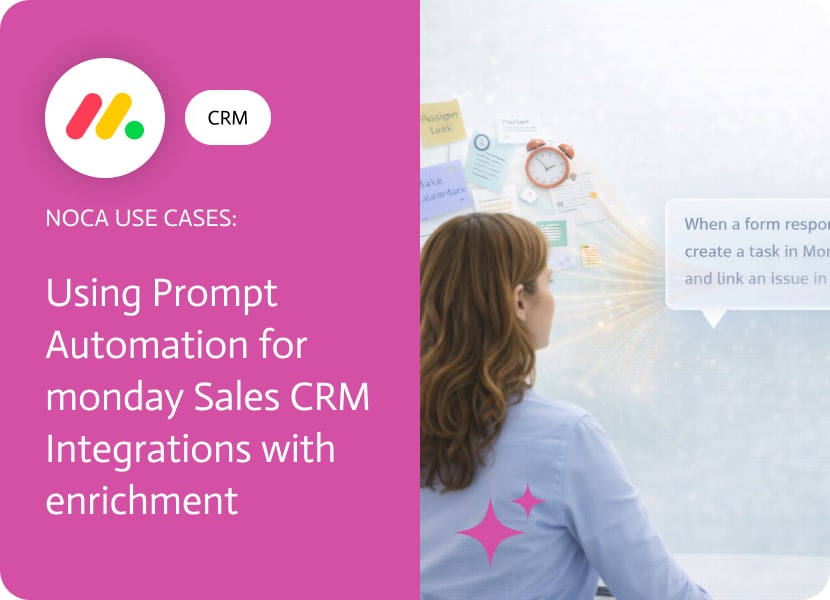

Using Prompt Automation for monday Sales CRM Integrations with enrichment
Group changes in monday.com are usually a handoff signal. Something moved from intake to qualification, from qualification to onboarding, or from “someone should look at this” to “someone must act now.” The problem is that the handoff often lacks context. The receiving team sees a new item in a new group, but they still have to dig through notes, links, and scattered fields to understand who the customer is and what matters.
This use case adds context automatically using AI. When an item moves to a different group in monday.com, Noca sends the relevant customer data to an OpenAI enrichment step to generate a short customer summary. Then it posts a Slack message to the right team with that summary plus the key item details. This is a practical monday.com AI automation pattern that combines monday sales crm integrations with an AI powered handoff message, so the next team gets a usable briefing instead of a bare record move.
In Noca, set the trigger to the monday.com group change event on the board that represents your pipeline. Add a condition so it runs only for the specific group transition you care about, then pass the customer fields to an OpenAI node to generate an enrichment summary, such as who the customer is, what they likely care about, and recommended next steps based on the item context. After that, send a Slack message to the destination team channel with the AI summary and the core fields from monday.com. To explore Noca, use https://noca.ai/. For creating this workflow quickly from a prompt, use https://noca.ai/prompt-to-flow/.
The result is a smoother handoff with less back and forth. monday.com still drives the workflow, Slack becomes the delivery channel for the update, and AI fills the context gap so teams act faster with fewer questions.
This is another great version containing two features and two enhancements for Flows and Apps. Flows Features Enhancements Apps Features Enhancements
Make, formerly known as Integromat, is a versatile integration platform designed to connect applications and automate workflows. It offers detailed data manipulation and advanced automation…
Let’s face it, coding used to be this intimidating club where you needed to memorize arcane commands, debug mysterious errors that came from nowhere, and…