


Using AI Flow Builder for monday Sales CRM Features across your stack
Moving an item between groups in monday.com is not just housekeeping. In a sales workflow, a group change usually means ownership shifted, the deal entered a new phase, or a handoff just happened. If that change is meaningful, it should not rely on someone noticing it later in the board. It should trigger a clear notification, especially for teams that treat monday.com as their operating layer.
This use case turns a group move into a Slack alert. When an item is moved from one group to another in monday.com, Noca sends a Slack message to notify the relevant team. The message can include the item name, previous group, new group, owner, current status, and any deal context columns you track, such as amount, close date, or next step. This is a practical monday.com Slack notification automation for routing and handoff visibility.
To configure it in Noca, start with a monday.com item updated trigger focused on group changes, then add a condition that checks for the specific group transition you care about. After that, send a Slack message to the correct channel, and map the monday fields into the message so the team understands why the item moved. If different group moves represent different teams, route notifications based on the destination group so the right channel gets pinged. Get oriented with Noca using https://noca.ai/ and generate this workflow using Prompt to Flow https://noca.ai/prompt-to-flow/.
The outcome is cleaner coordination. monday.com group movement becomes an explicit signal, Slack becomes the awareness layer, and handoffs stop depending on someone manually tagging a channel.
We’re kicking off February with a fresh batch of Flow features and enhancements designed to make things a little easier. Flows Features Enhancements

Today’s businesses never stop moving forward, which is why linking all your systems and apps is a must. SAP Cloud Platform Integration (CPI), part of…
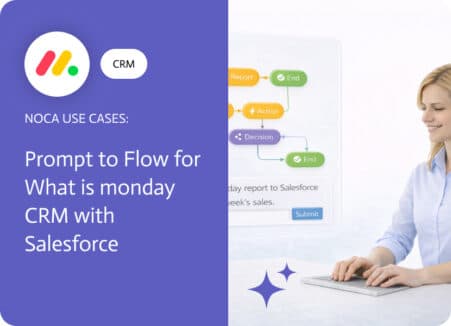
What is monday CRM in practice. For a lot of teams, it is not a replacement for Salesforce, it is the layer where the work…