
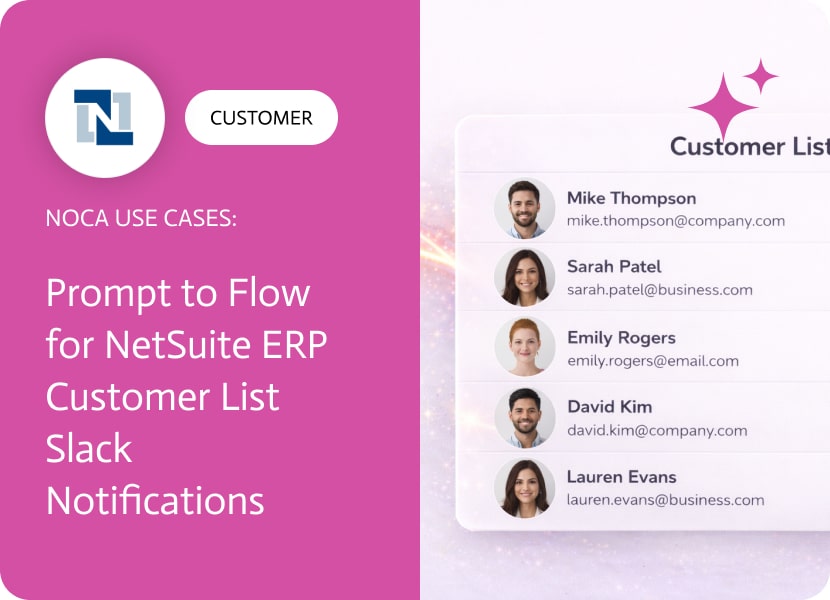

Prompt to Flow for NetSuite ERP Customer List Slack Notifications
A NetSuite ERP customer list is only useful when new customers are visible immediately. Customer records can be created by finance, sales ops, integrations, or onboarding workflows, and the downstream team often learns about them after the fact. That delay creates avoidable friction in handoffs, especially when customer setup requires follow up steps outside NetSuite.
This use case improves awareness around the netsuite erp customer list by turning customer creation into an immediate notification. When a customer record is created in NetSuite, Noca sends a Slack message to a specific team channel or a designated user. The message can include customer name, subsidiary, region, billing terms, customer status, owner, and any identifiers needed for onboarding or account setup so the recipient has enough context to move quickly.
In Noca, you can build this workflow using prompt to flow or assemble it in the ai flow builder. Select a NetSuite customer created trigger, add a Slack message action, and map fields from the NetSuite customer record into the message. If you want to route notifications differently by subsidiary, customer type, or status, add conditions and send to the right channel or user automatically. This ai automation agent approach keeps Slack notifications aligned with real customer creation events. Platform details are at https://noca.ai/ and the prompt driven builder is at https://noca.ai/prompt-to-flow/.
The result is a more operational customer list. NetSuite remains the system of record, Slack becomes the awareness layer, and new customers stop arriving as surprises. This is practical ai automation for faster onboarding and cleaner internal coordination.
We’ve made some great enhancements to Flows, focused on making things faster and easier to work with.Give them a try and let us know if…
This release is all about Apps! We packed it with a new feature, helpful enhancements, and an important bug fix to make building and using…
AI Voice generation Imagine a world where high-quality, customizable voices can be created instantly—no voice actors, no production studios. AI voice generation has become a…