


Netsuite + AI: From Prompts to Business Outcomes | Noca AI
Four Ways to Connect NetSuite to AI Without Writing Code
Most companies running NetSuite know the data is there. The problem is getting it out, formatting it, and putting it where people actually need it. That usually means custom development or a queue of IT requests that takes weeks to clear. In this webinar, Avishai Asaf (NetSuite Architect and founder of SolutionLab Tech) shows four ways to skip that line entirely using AI and natural language prompts.
The first demo builds a NetSuite AI chatbot and embeds it inside Salesforce. Sales reps ask the bot a question, it queries NetSuite in real time, and the answer shows up right where they’re already working. No NetSuite license needed for the person asking. If you want to see how this works across multiple CRMs, we broke down the full chatbot approach for Salesforce, NetSuite, and monday.com in a separate post.
The second demo generates documents directly from NetSuite data. Invoices, reports, whatever the format requires. Templates are built in Microsoft Word, so anyone on the team can edit them without touching code. Once generated, the document routes automatically via email.
The third demo creates a registration app where external users can submit company information and upload documents straight into NetSuite. Once those documents land, DocRAG AI runs queries against them, pulling specific data points without anyone reading through pages manually.
The fourth demo sets up cross-system automations: when a new account is created in NetSuite, the workflow checks a connected system (like Salesforce or SAP), compares the records, and notifies the right people if something needs attention.
Prompts and Configuration, Not Developers
What ties all four demos together is that none of them required a developer. Every workflow, chatbot, app, and document template was built with prompts and configuration. That’s the shift happening with NetSuite and AI right now. The bottleneck has always been access. When business users can describe what they need and get a working result in days instead of months, the backlog starts to clear itself.
If you’re evaluating AI for NetSuite, or you’re a partner looking at how to deliver more to your clients without scaling your dev team, this webinar covers the practical side. No theory, no slides full of roadmap promises. Four builds, start to finish. See what Noca can do →
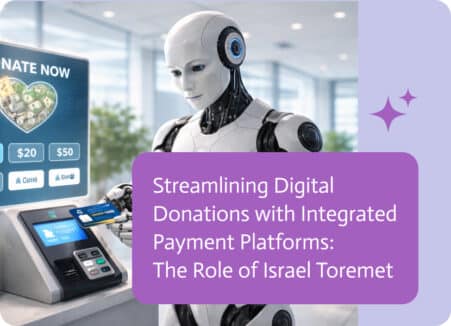
As digital giving continues to grow, nonprofits are increasingly relying on online platforms to collect donations quickly, securely, and from supporters around the world. Modern…
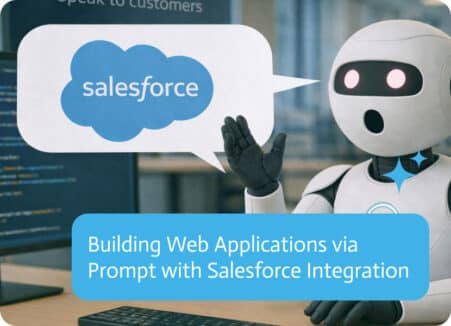
Building a web app usually starts with a sprint plan, a backlog, and a quiet acceptance that the first version will not ship this quarter….
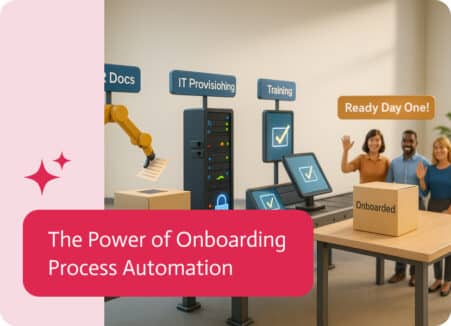
Onboarding Process Automation, the term given for using tech to ease the start-up grind for newcomers. Think of it as automation with a sprinkle of…